Chapter 4 Live View and Local Conguraon
4.1 Live View
4.1.1 Start/Stop Live View
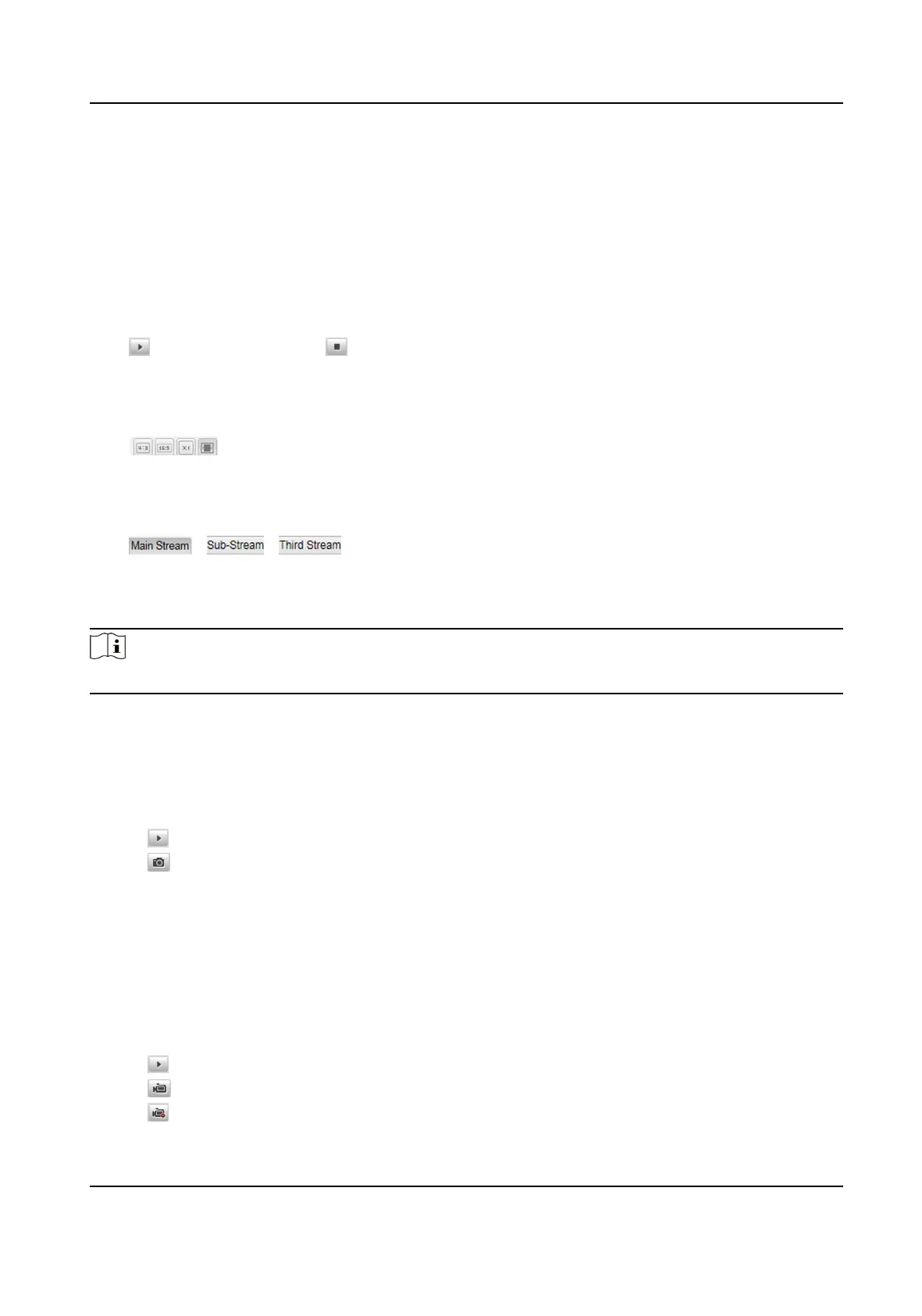
Click to start live view. Click to stop live view.
4.1.2 Select Image Display Mode
Click to display the image in 4:3/16:9/original/self-adapve display mode.
4.1.3 Select Stream Type
Click / / to select the stream type. It is recommended to select the main
stream to get the high-quality image when the network condion is good, and select the sub-
stream to get the
uent image when the network condion is not good enough. The third stream is
the custom stream.
Note
The supported stream types vary with dierent models. The actual device prevails.
4.1.4 Capture Picture Manually
You can capture pictures manually on the live view image and save them to the computer.
Steps
1.
Click to start live view.
2.
Click to capture a picture.
3.
Oponal: Click Conguraon → Local Conguraon to view the saving path of snapshots in live
view.
4.1.5 Record Manually
You can record videos manually on the live view image and save them to the computer.
Steps
1.
Click to start live view.
2.
Click to start recording.
3.
Click
to stop recording.
Smart On-Street ANPR Camera User Manual
14















 To Next Page