Steps
1.
Go to Conguraon → Device Conguraon → Encoding and Storage → Cloud Storage .
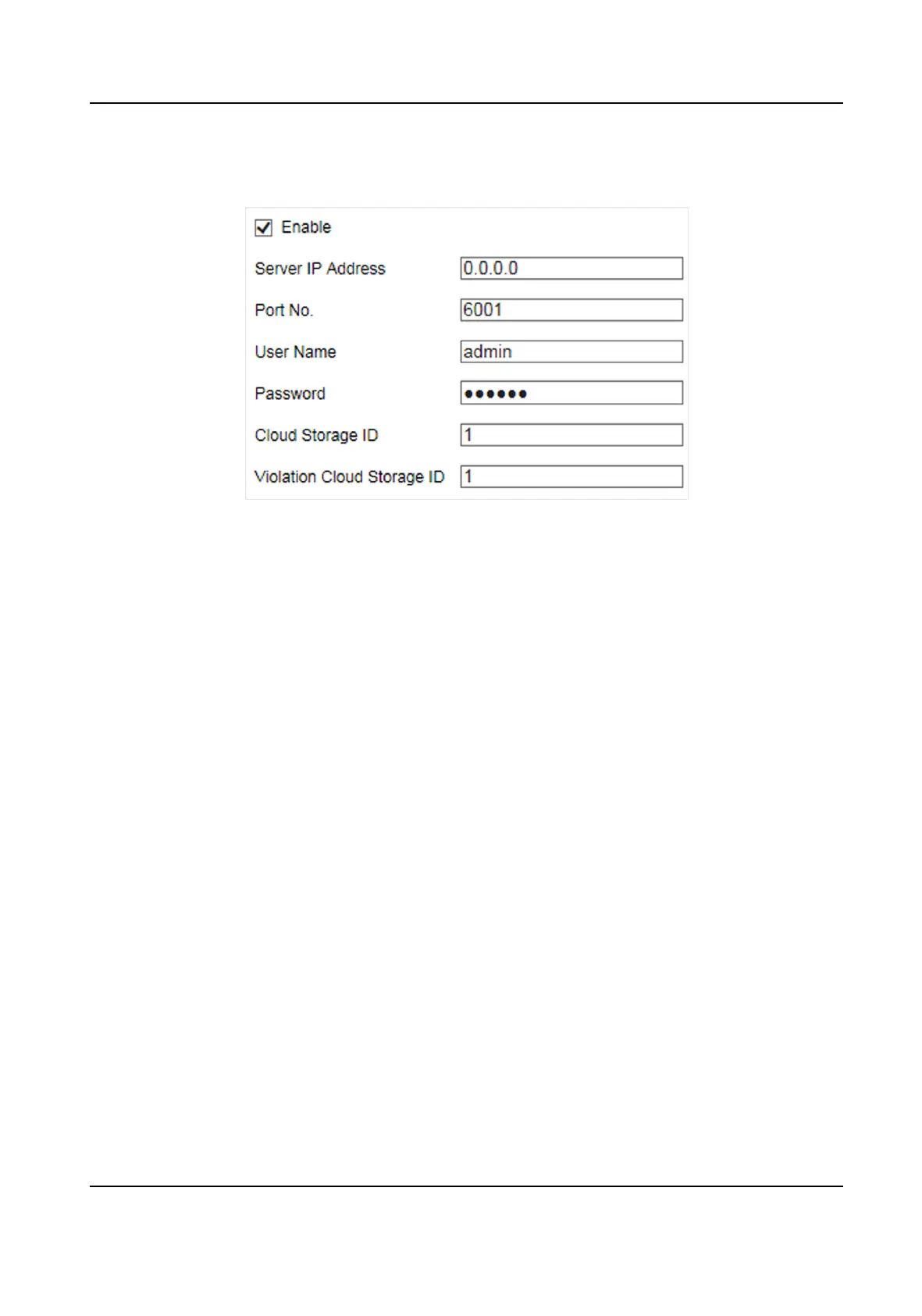
Figure 5-3 Set Cloud Storage
2.
Check Enable.
3.
Set the server parameters.
1) Enter Server IP Address and Port No.
2) Enter User Name and Password.
3) Enter the ID according to the storage area No. of the server.
4.
Click Save.
Smart On-Street ANPR Camera User Manual
19















 To Next Page