Cauon
Do not modify the default port parameters at will, otherwise the device may be inaccessible.
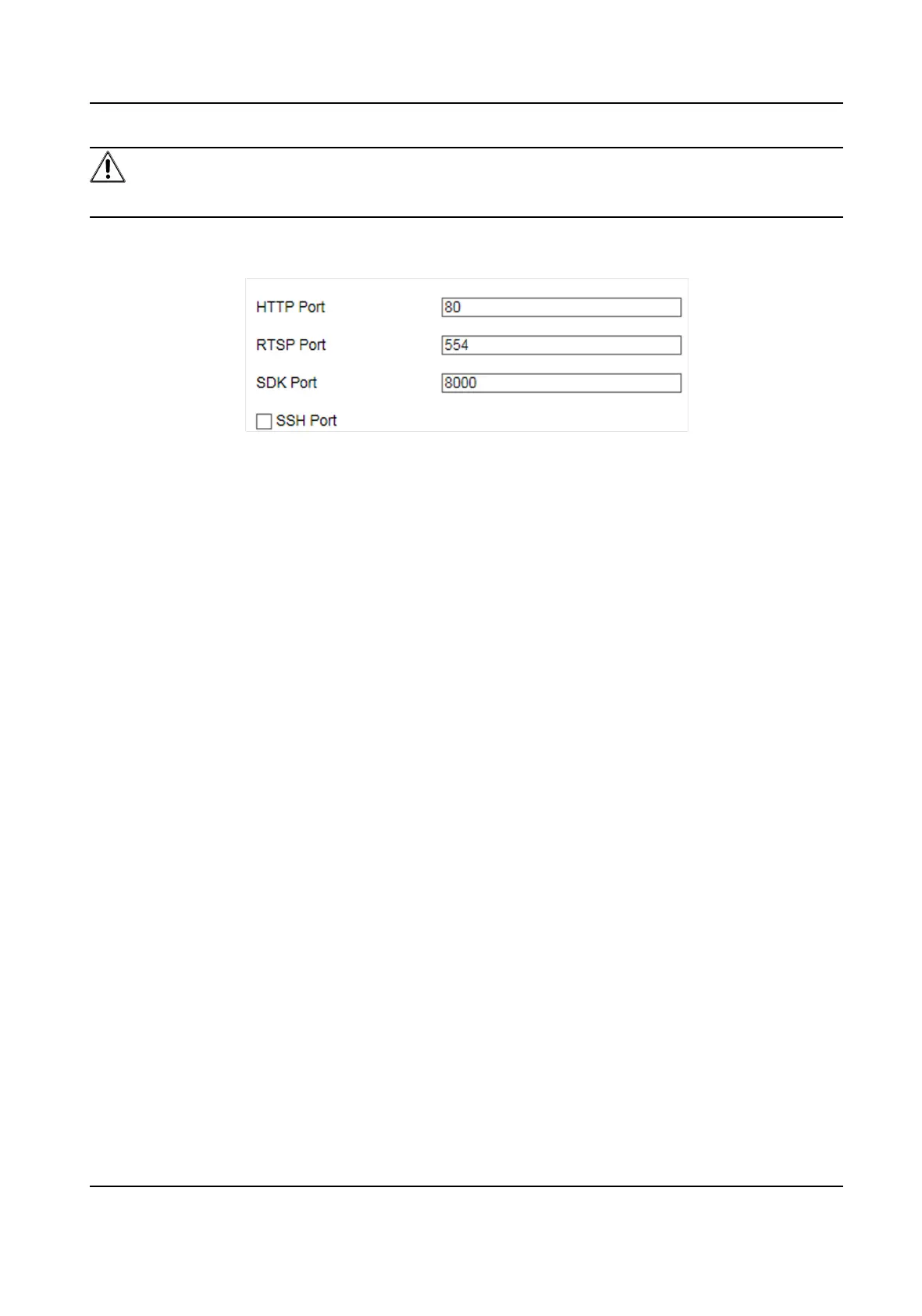
Go to Conguraon → Device Conguraon → System Conguraon → Port for port sengs.
Figure 7-4 Set Port
HTTP Port
It refers to the port through which the browser accesses the device. For example, when the
HTTP Port is
modied to 81, you need to enter hp://192.168.1.64:81 in the browser for login.
RTSP Port
It refers to the port of real-me streaming protocol.
SDK Port
It refers to the port through which the client adds the device.
Smart On-Street ANPR Camera User Manual
32















 To Next Page