UM IPC-4300H 040320NA 38
After exiting the ONVIF app, click Refresh to search for a specific IP
address.
2.3.6. IP Discovery
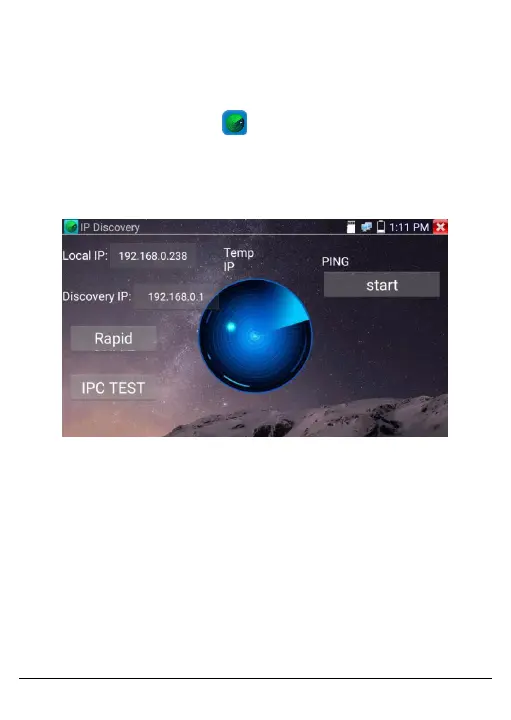
Press the IP discovery button to scan a given network segment
for a specific IP address.
The Tester’s IP address can be automatically changed to the same
network segment as the scanned camera’s IP address.
Figure 20, IP Discovery Screen
• Local IP: The Tester’s IP address. The Tester can automatically
modify its IP address to match the IP address of the camera being
scanned.
• Discovery IP: IP address of the camera connected to the Tester.
When the camera is connected to the Tester directly, the Tester
will display the camera’s IP address. When the Tester connects to
a LAN network, it will display its current IP address.
• Temp IP: The Tester’s modified IP address will not be saved after
searching for an IP address. If Temp IP is not selected, the



 To Next Page