UM IPC-4300H 040320NA 82
2.3.13. CVI Camera Test (Optional)
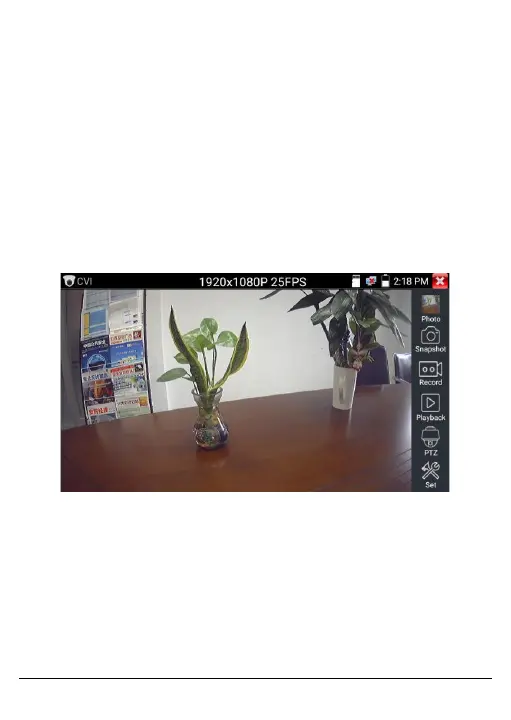
The Tester will display the HD CVI signal input image resolution on
the top bar.
Double-tap the screen to display the image in full-screen.
The Tester supports the following resolutions:
1280 x 720p: 25 fps, 1280 x 720p: 30 fps, 1280 x 720p: 50 fps, 1280
x 720p: 60 fps, 1920 x 1080p: 25 fps, 1920 x 1080: 30 fps, 2560 x
1440p: 25 fps, 2560 x 1440p: 30 fps, 3840 x 2160: 12.5 or 15 fps
Figure 72, CVI Tester – Resolution
• PTZ Control:
Click PTZ on the right side of the toolbar to change the settings.
Select Port in the Coaxial Control field.



 To Next Page