UM IPC-4300H 040320NA 87
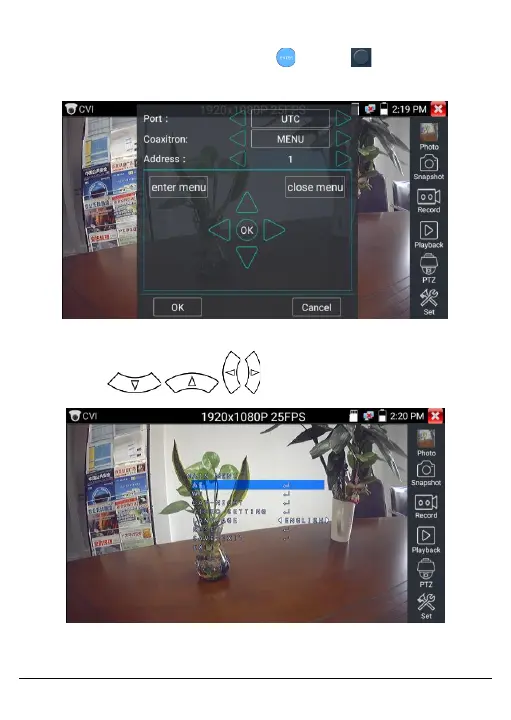
Input the dome camera menu address code. After the parameter
settings have been entered, press or click to call the dome
camera menu.
Figure 79, Dome Control Menu
Press the arrow keys to set direction.
Figure 80, CVI Output Image



 To Next Page