UM IPC-4300H 040320NA 90
The Tester supports the following resolutions:
1280 x 720p: 25 fps, 1280 x 720p: 30 fps, 1280 x 720p: 50 fps, 1280
x 720p: 60 fps, 1920 x 1080p: 25 fps, 1920 x 1080p: 30 fps, 1920 x
1080p: 50 fps, 1920 x 1080p: 60 fps, 2048 x 1536p: 18 fps, 2048 x
1536p: 25 fps, 2048 x 1536p: 30 fps, 2560 x 1440p: 15 fps, 2560 x
1440p: 25 fps, 2560 x 1440p: 30 fps, 2688 x 1520p: 15 fps, 2592 x
1944p: 12.5 fps, 2592 x 1944p: 20 fps, 3840 x 2160: 12.5 or 15 fps
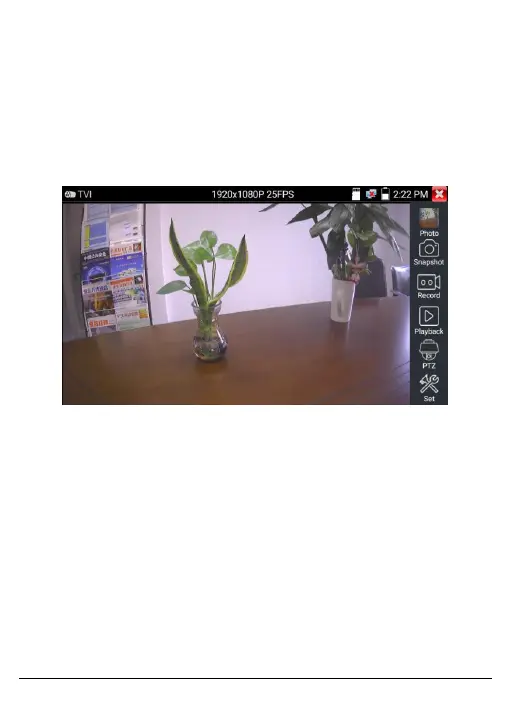
Figure 84, TVI Testing Screen
For Coaxial Camera Menu Settings, tap UTC and select Menu
Settings to enter the dome camera menu.



 To Next Page