34
Brief introduction
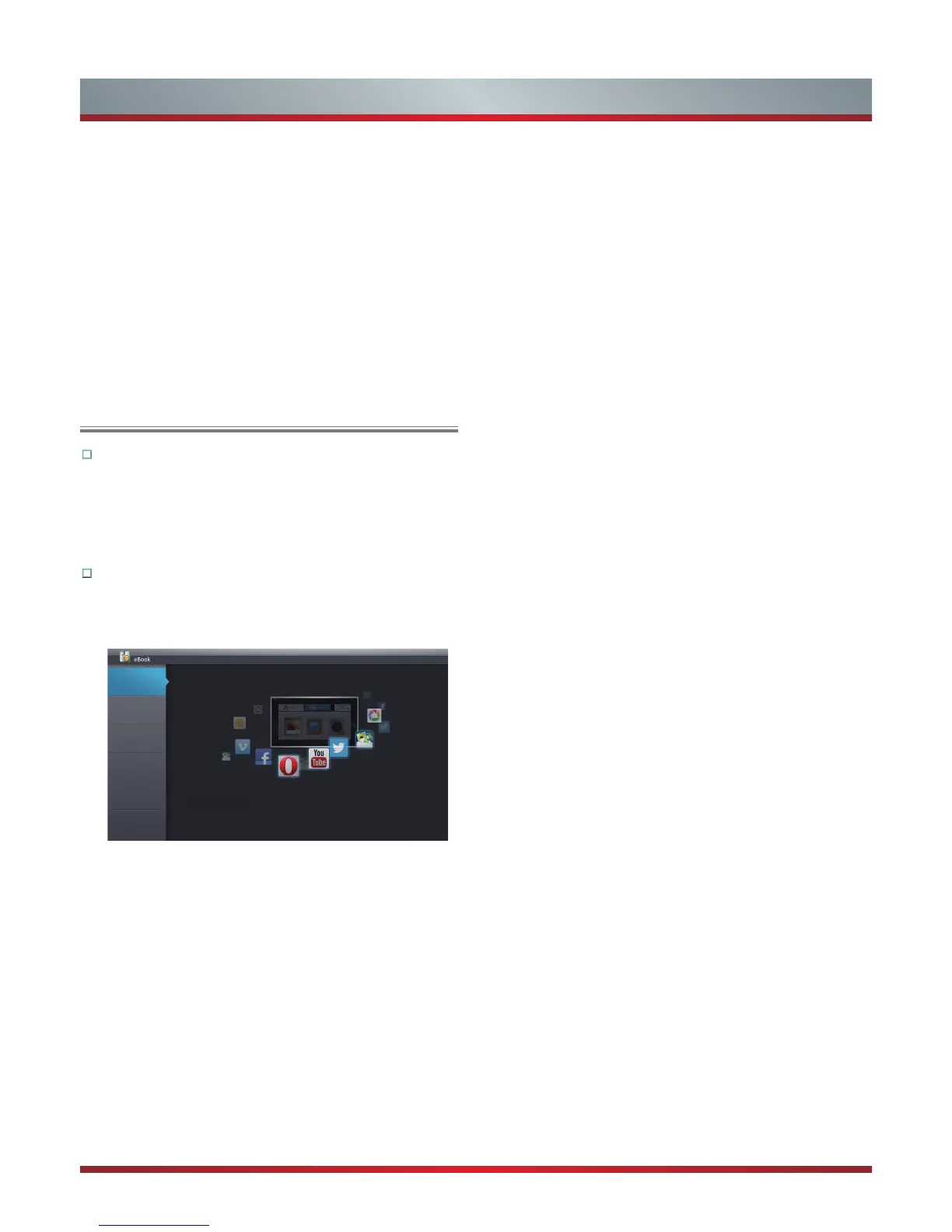
The ebook app guides the user to set up the TV easily
and introduces the use of multimedia applications. It
can help the user to have a better, more convenient
experience.
Operation instructions
1.
Press the [HiSmart] button to display HiSmart hub.
2.
Press the [▲/▼/◄/►] buttons to select the eBook icon
and press the [OK] button to enter it.
Home
Quick
Reference
Guide
Accessing
Smart TV
Features
Media Player
&Receiver
Smart TV brings movies, television shows, music, photos, social networking, internet
browsing and other multimedia applications into your living room with easy to use
controls.
3D TV &
App Store
Help
3.
In home page, press the [▲/▼] buttons to select the
classification that you want to view, press the [◄/►]
buttons to move page up/down.
4.
Press the [Return] button to return to the home page of
category which you selected, or the [Exit] button to close
the App.
Network Function
eBook
4.
If you want to sign in vimeo , please choose Setting.
5. After signing in vimeo, you can save your favorite video
to My Stuff or Watch Later.
6. Choose Search to search the name of movie or music
you love.
7. To use other features, press the button showed in the
help bar.
8. Press the [Return] button to return to the upper menu, or
the [Exit] button to close the App.


 To Next Page