9-9 ●Change of Buttons, Icons and Status Colors
Supported Icons
No.
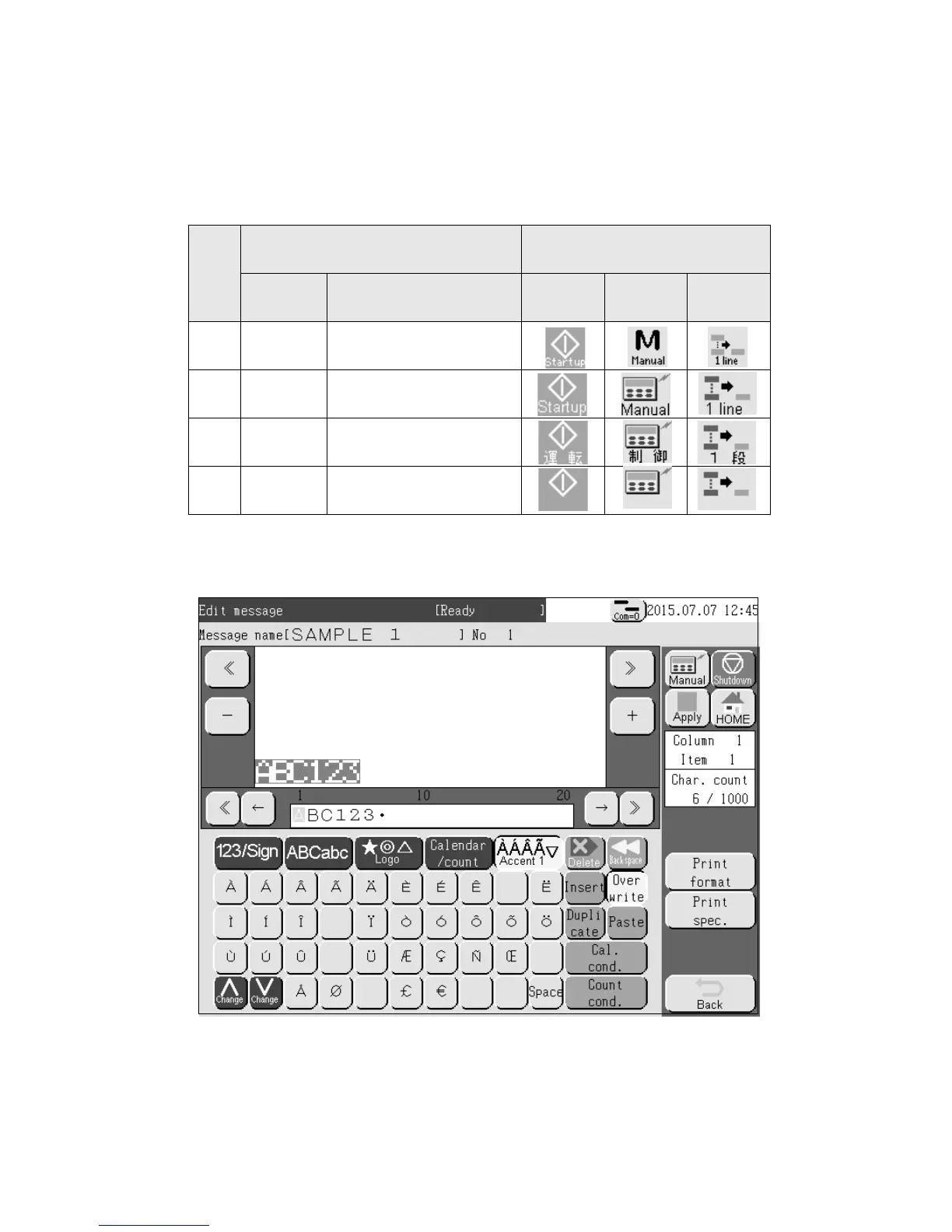
Icon Type Example
Outline Description Startup Manual 1 line
1 Default Factory default
2 English Icon + English language
3 Japanese Icon + Japanese language
4 No Text Icon only
(2) Change of Icons
● The icons displayed on touch screen will be changed.
● With this change, the icons displayed on the screen can be seen easily.
● For icon type selection, please contact your local distributor.
● Icons displayed or not is set by “ICON Display” [Enable] or [Disable] on touch screen setup.
<Example of Icon Type : ‘English’>



 To Next Page