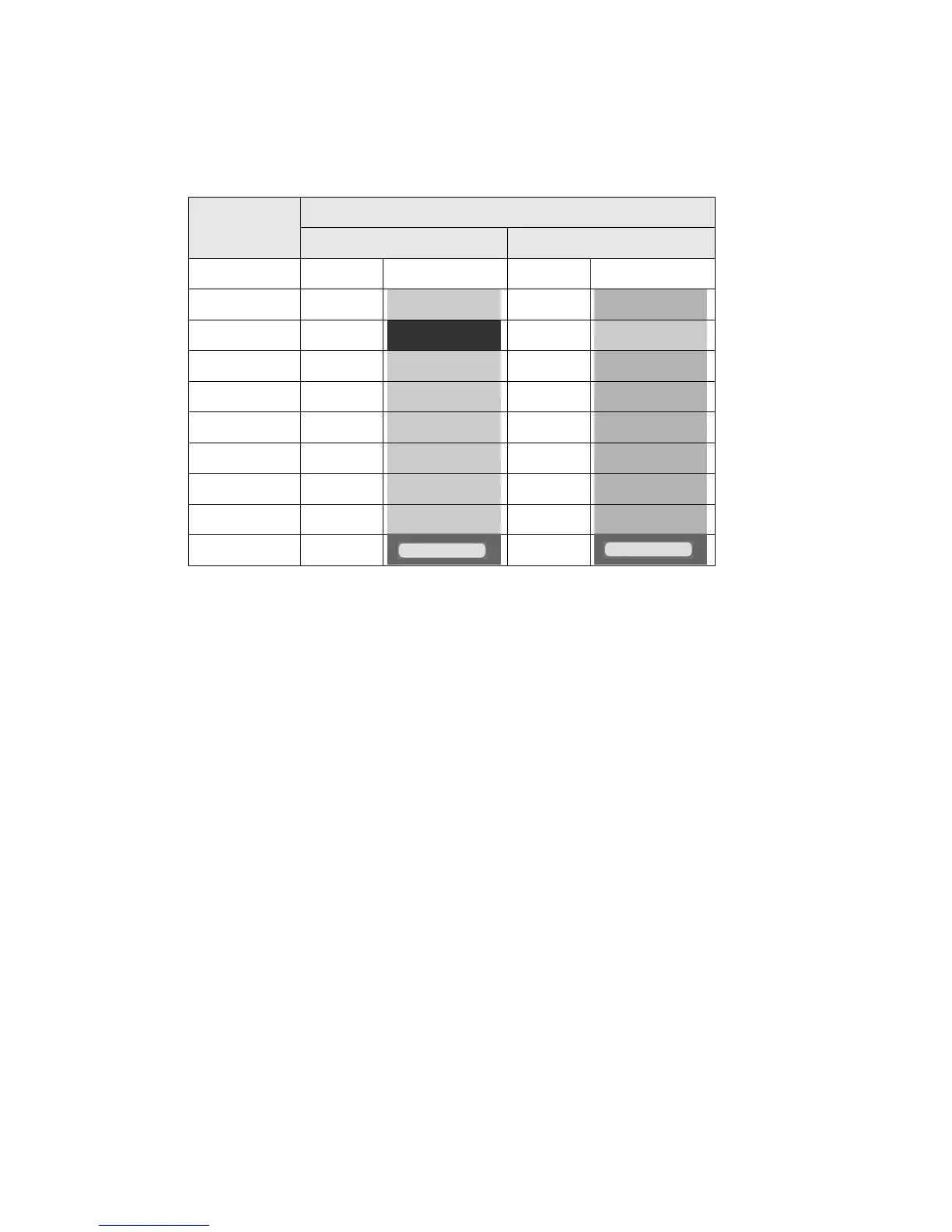
●Change of Buttons, Icons and Status Colors 9-10
Background Colors of IJP Status
State
Status Color
Before Change After Change
Stop White [Stop ] White [Stop ]
Standby Green [Standby ] Light blue [Standby ]
Ready Blue [Ready ] Green [Ready ]
Starting Green [Starting ] Light blue [Starting ]
Ink heating Green [Ink heating ] Light blue [Ink heating ]
Stopping Green [Stopping ] Light blue [Stopping ]
Drop adjust Green [Drop adjust ] Light blue [Drop adjust ]
Cover open Green [Cover open ] Light blue [Cover open ]
Service Green [Service ] Light blue [Service ]
Fault Red [ ] Red [ ]
(3) Change of Status Color
● The background color of IJP status will be changed.
● With this changes, the background color of “Ready” will be green which is the same color as the status
indicator light.



 To Next Page