- Parity: None
- Stop bits: 1
- Flow control: None
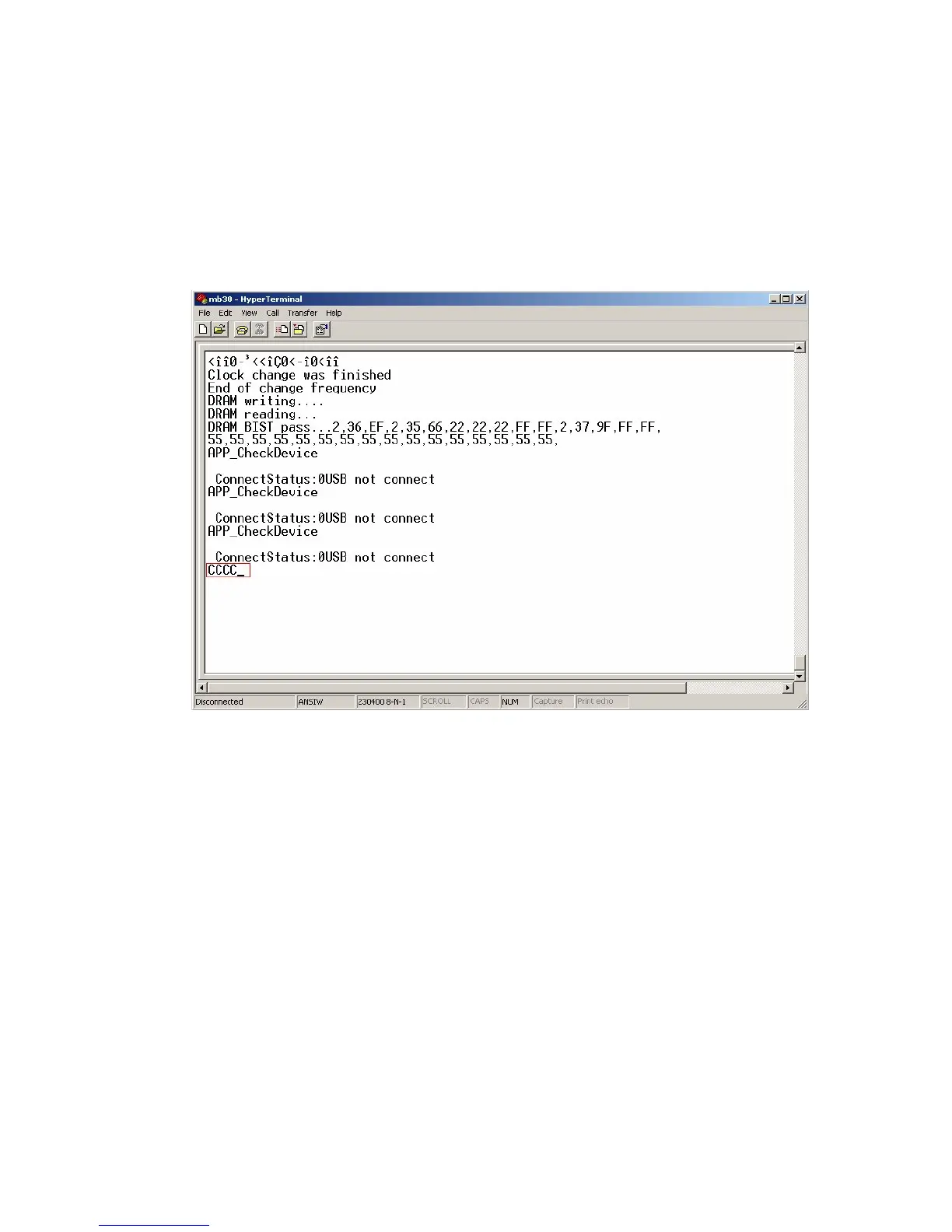
In this case the bootloader sofware puts “C” character to uart. After repeating “C”
characters are seen in the hyperterminal user can send any file to chassis by selecting
Transfer -> Send File menu item and choosing “
1K Xmodem” from protocol section.
Figure 1. The Sample Output Before Sending The File
2. EEProm update
To Update eeprom content via uart scart,dsub9 or i2c with Mstar tool can used.
Serial connection settings are listed below:
- Bit per second: 9600
- Data bits: 8
- Parity: None
- Stop bits: 1
- Flow control: None
Programming menu item is choosed in the service menu and switch “HDCP Key Update
Mode” from off to on.



 To Next Page