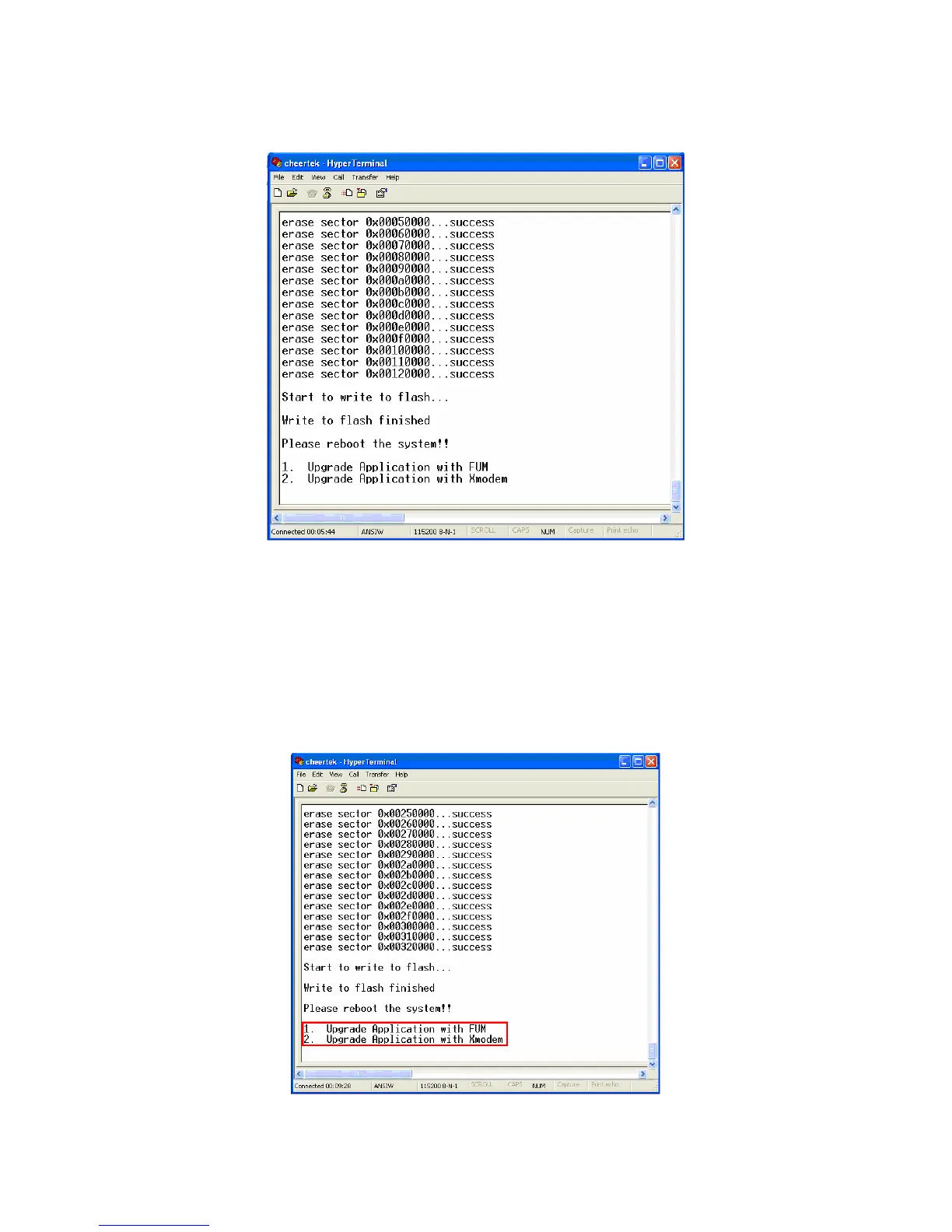
Capture of End of The Sending Process
11. For sending second program file, the Software Updating Procedure must be
repeated from the step X. Select the “Filename xxxx_slot2.img” using “Browse”.
12. After sending the second program file, the Software Updating Procedure will be
succesful.
Note: After the File Sending Process,
1. Upgrade Application with FUM
2. Upgrade Application with Xmodem, options must be seen.
End of The Sending Process



 To Next Page