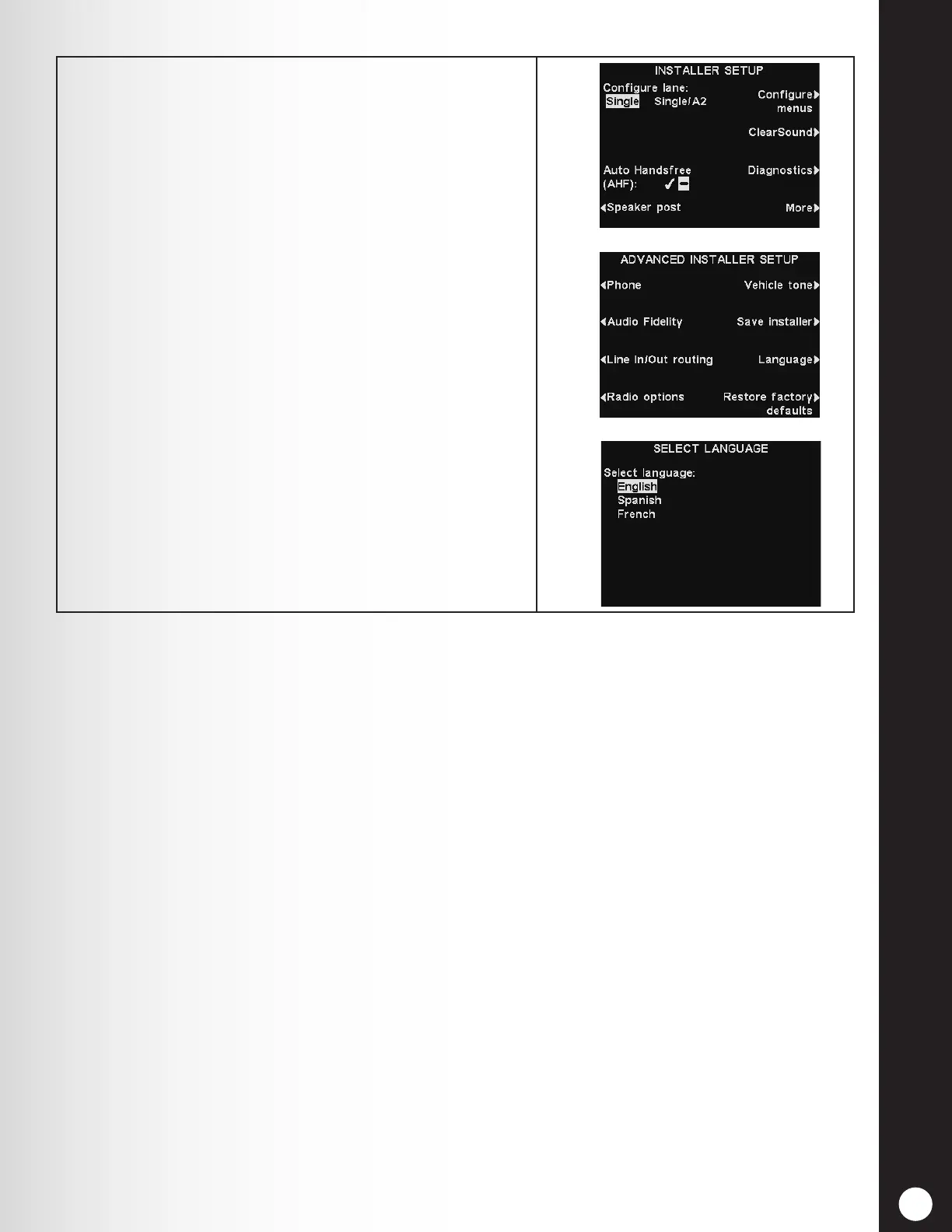
SET THE BASE STATION LANGUAGE
97
4. Press the More button on the INSTALLER SETUP
display, and then select Language on the ADVANCED
INSTALLER SETUP display.
On the SELECT LANGUAGE display, press the Select
language button to highlight the desired language.
After selecting the language, press the Back button to
save the setting. The base station will automatically
be reset to its previous operating mode.



 To Next Page