TROUBLESHOOTING
93
9. TROUBLESHOOTING
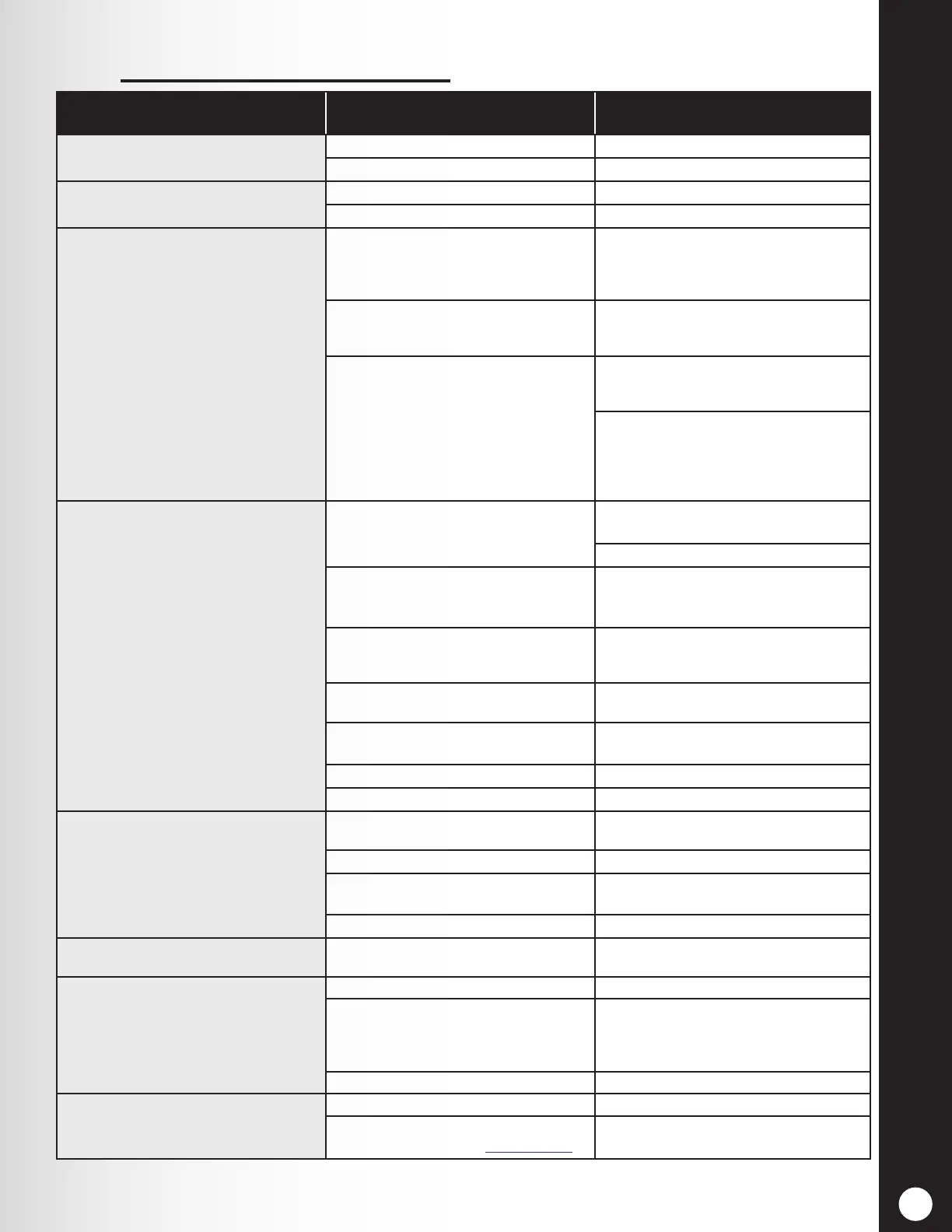
PROBLEMPROBLEM PROBABLE CAUSEPROBABLE CAUSE SOLUTIONSOLUTION
“Battery failed” is heard in headset when
power button is pressed.
Battery may be defective. Replace battery. Call HME.*
Battery contacts may be dirty. Clean battery contacts with alcohol.
“Headset failed” is heard in headset when
power button is pressed.
Headset may be defective. Use another headset. Call HME.*
Battery contacts may be dirty. Clean headset battery contacts with alcohol.
You hear your echo in headset earpiece
when you speak into microphone.
Outside speaker and microphone may not be
properly installed.
Be sure speaker and microphone are isolated
from each other, and are tightly mounted with
enough foam packed around each of them to
absorb vibrations.
Outbound and/or inbound audio level may be
set too high.
Set outbound audio level just high enough to
be heard by customers. Lower inbound audio
to comfortable level.
VAA controls may need to be adjusted.
Adjust VAA Level control to reduce inbound
audio level when you are speaking into the
headset microphone.
Adjust VAA attenuation level to reduce
inbound audio level when you are speaking
into the headset microphone.
NOTE: If the inbound level is too low, you
will not hear the customer.
No sound is heard in headset when you
press button A and speak into microphone.
Power may be o at base station.
Be sure HME logo and other lights on base
station are lit.
Check circuit breaker for building.
Power supply in base station may not be
working.
Be certain power adapter is plugged into AC
electrical outlet, and is connected to J3 on base
station audio circuit board.
Headset power may not be on.
Press power button on headset. Be certain
power light goes on and switches from red to
green.
Volume may not be set correctly.
Adjust volume with Volume-up and down
buttons.
Battery may be low or defective.
Check headset power light. If not lit, replace
battery.
Headset may be defective. Use another headset. Call HME.*
Headset may not be registered. Register headset.
Channel A or B is not working.
Headset power may not be on.
Press power button on headset. Be certain power
light goes on and switches from red to green.
Battery may be low or defective. Check power light. If not lit, replace battery.
A1/A2 or B1/B2 light on base station does
not light when button A or B is pressed.
Use another headset. Call HME.*
Headset may not be registered. Register headset.
Outbound sound is too low.
Outbound volume may be set too low for
environment.
Adjust outside speaker volume level.
No outbound sound; Customer cannot
hear anything.
System may be set for speed team. Check speed-team setting.
There may be loose wires on outside speaker
or base station circuit board.
Check vehicle present light (car) on base
station.
Check outside speaker wire connections on J6
or J14 in base station and at outside speaker.
Defective speaker or base station. Call HME.*
Customer cannot be heard in push-to-talk
(PTT) operation.
System may be set for speed team. Check speed-team setting.
Base station may be set for wrong drive-thru
mode (full or half-duplex). See Section 1.1.
Check drive-thru mode setting.



 To Next Page