BASE STATION SETTINGS
39
5.4 Dual-Lane Installer Setup
5.4.1 Split B/Combined B
Split B/Combined B is a feature that is available when using a Dual Lane base station (Dual/Y and
Tandem congurations) or a single lane base in Single/A2 mode.
In standard Dual Lane operation, a store has two lanes. Order Takers hear and talk using a headset’s A1
button (exclusively for Lane 1) or A2 button (exclusively for Lane 2).
Split B and Combined B are options that allow you to choose whether headsets on one or both lanes
should hear the “B” audio.
h Split B: Only headsets on the same lane can hear the “B” audio.
h Combined B: All headsets on both lanes can hear the “B” audio.
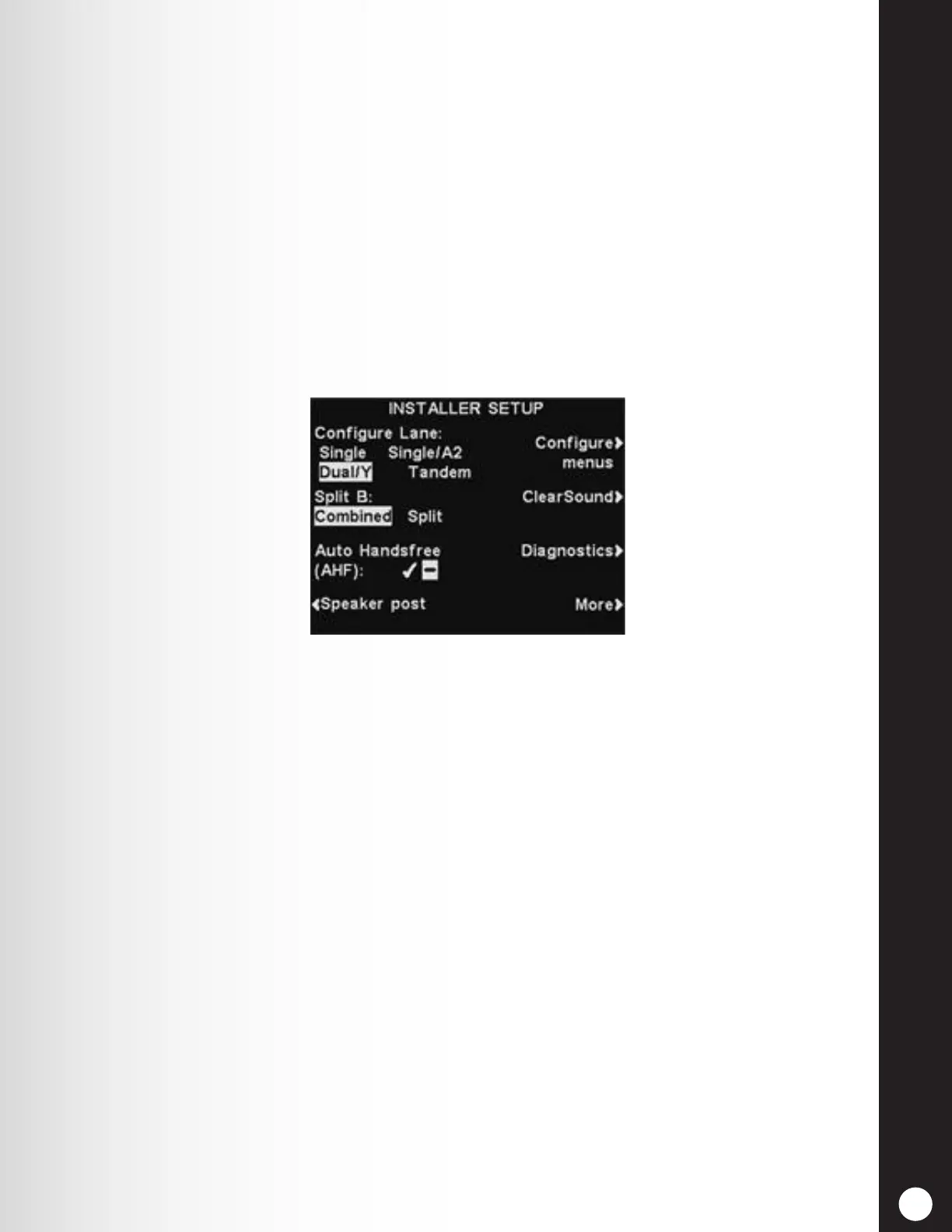
To select either Combined or Split communication from the INSTALLER SETUP display, press the Split B
button to highlight the desired mode.



 To Next Page