BASE STATION SETTINGS
85
The EOS|HD interface provides the following web pages:
h Status – provides Lane, Message, Base, Version, Network and Copyright information.
h Vehicle detection – allows you to control and reset the vehicle detectors on the base.
h Volume adjust – allows you to adjust audio volumes.
h Register headset – allows you to register one or multiple headsets, or to clear headset
registrations.
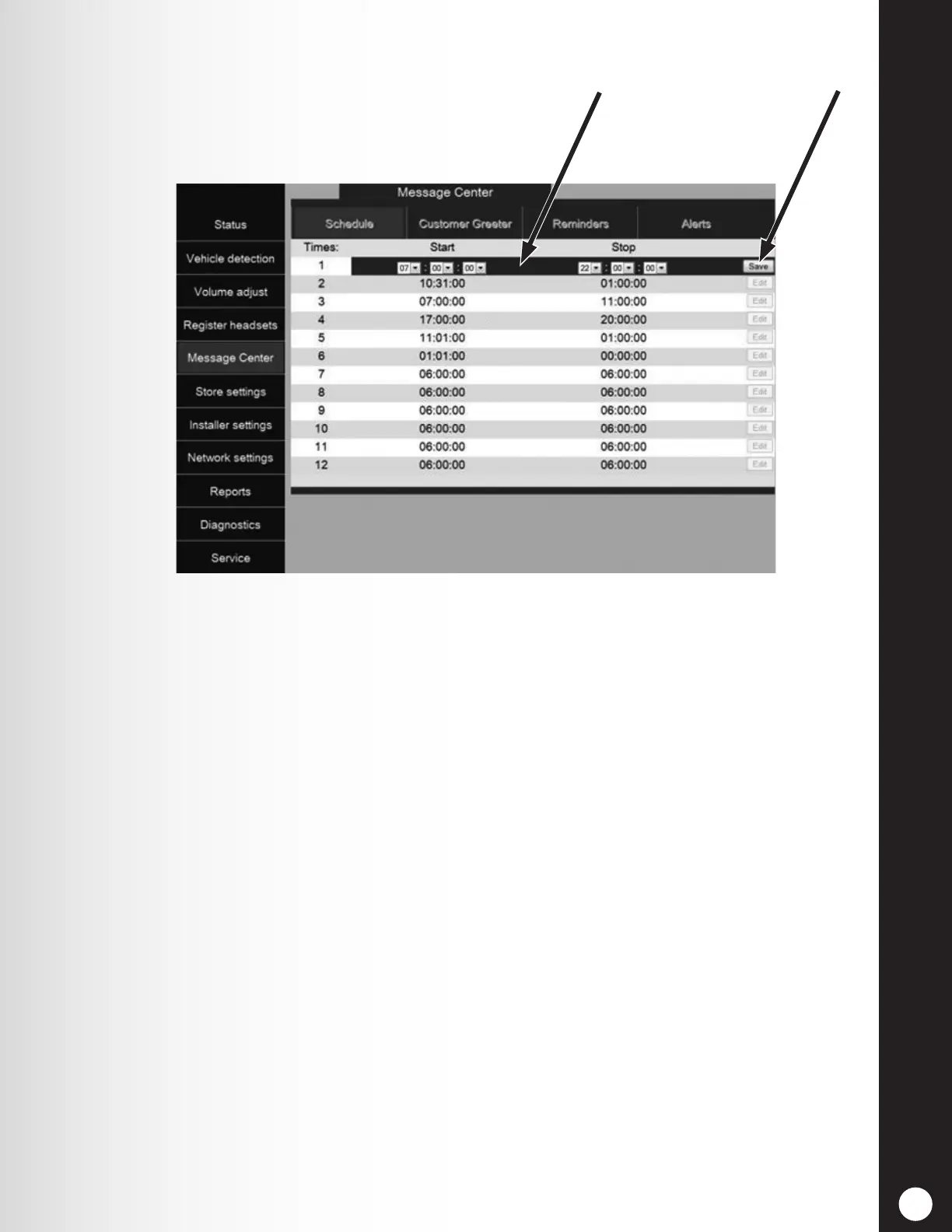
h Message Center – allows you to set up messages to be played to audio destinations and Alert
messages sent to email recipients.
h Store settings – allows you to set up store parameters such as date, time, store hours,
schedule times, passwords, B to Order Taker, VAA, AVC, Phone headset and LCD contrast, as
well as Restore installer settings.
h Installer settings – allows you to set up basic operational settings such as Lane conguration,
Auto-Hands-Free, Language selection, Speaker post conguration, ClearSound, Phone, Line
In/Out routing, Radio options and Vehicle tone, as well as Save installer settings and Restore
factory settings.
h Reports – allows you to view Message Center settings and headset statistics reports.
h Diagnostics – provides information that may be used by HME Technical Support to diagnose
problems.
h Service – displays all version information and contact information, in case you need assistance
from HME Technical Support.
Edit bar
Save button



 To Next Page