2MP/4MP Low Light WDR IP Camera User Guide
24
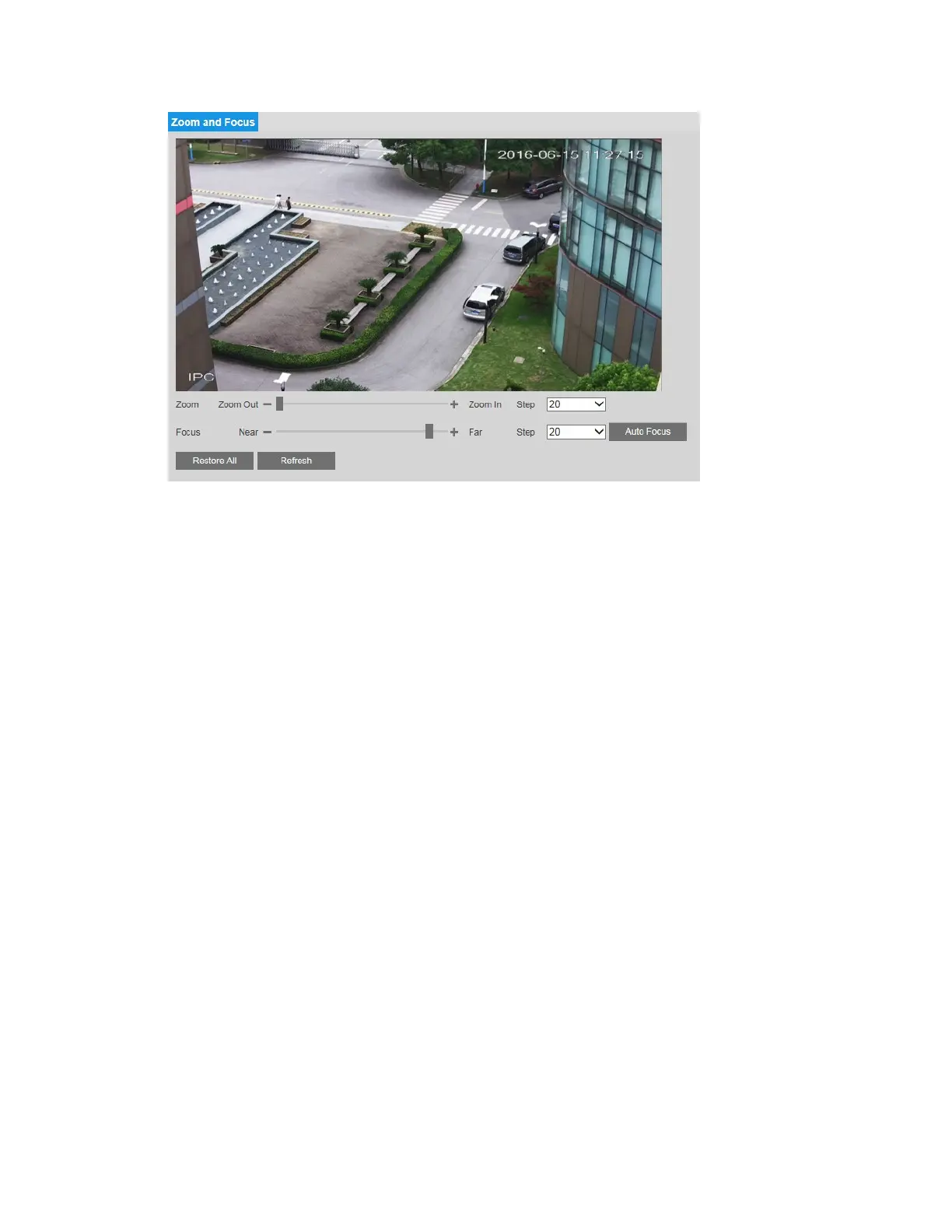
To adjust the zoom magnification, drag the slider right or left. Click the + and - signs to make
fine adjustments. The Step number determines the magnitude of the adjustment.
To adjust the focus manually, drag the slider right or left. Click the + and - signs to make fine
adjustments. The Step number determines the magnitude of the adjustment.
To set the focus automatically, click Auto Focus.
To restore the default zoom and focus settings, click Restore All.
Configuring Audio Settings
You can configure audio settings for Main Stream, Sub Stream 1, and Sub Stream 2 profiles
on the Setup
Audio Setup Audio page.



 To Next Page
 Loading...


