NFS2-3030 Programming Manual — P/N 52545:K1 03/20/2012 81
Walk Test Alter Status
4.6.4 Devices Test Selection
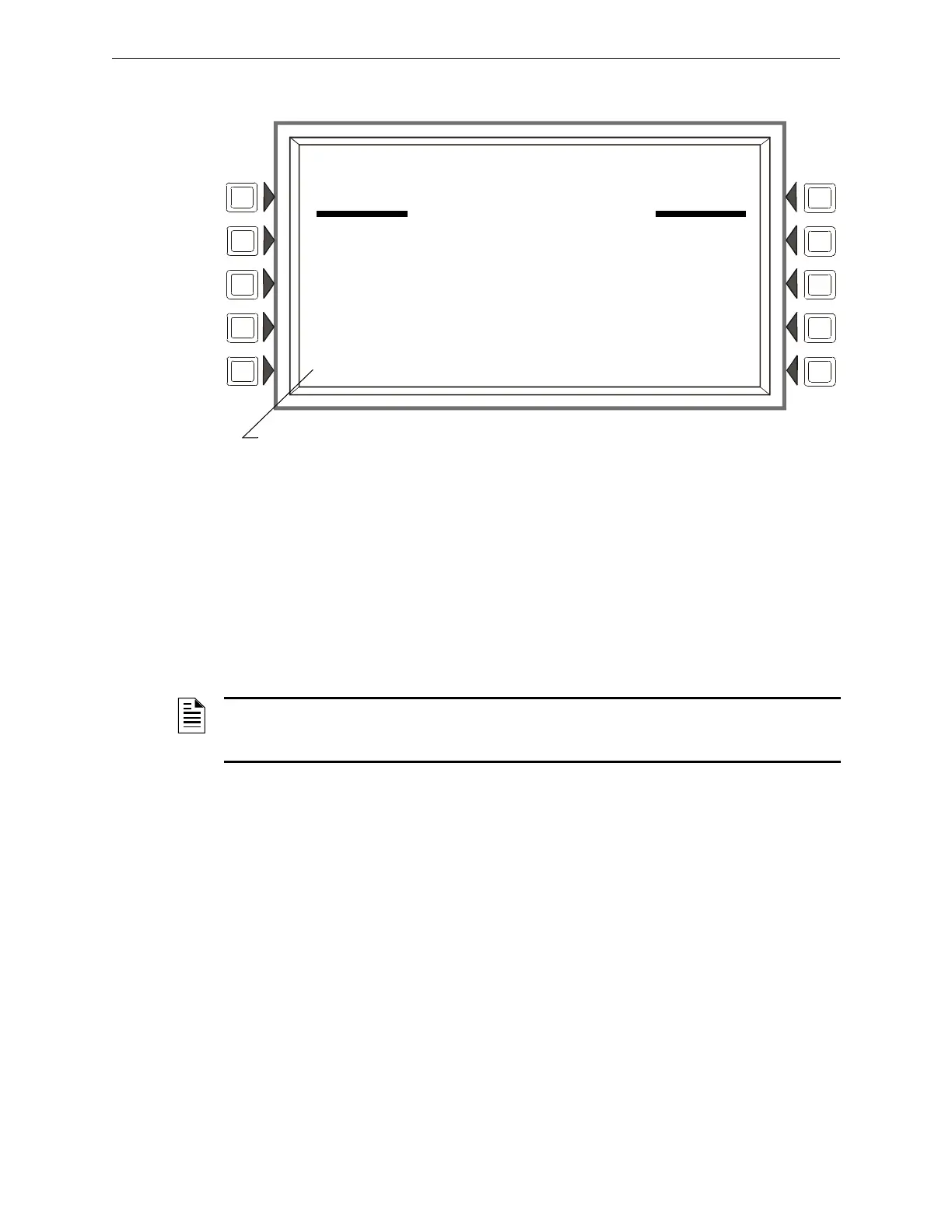
Figure 4.12 Devices Test Selection Screen
Soft Keys
START TROUBLE TEST:Press this
key to generate a Trouble on the selected detector.
START ALARM TEST: Press to generate
an Alarm on the selected detector.
START OBSCURATION TEST: Press
to perform an Obscuration Test on the selected Beam
detector. (Beam detectors only.)
START PREALARM TEST: Press to
perform a Prealarm Test on the selected device.
ABORT: Press to stop
the Walk Test.
TROUBLE
PROG MODE ACTIVATED
LAKEVIEW GENERAL HOSPITAL
10:22:34A TUE JAN 25, 2011
WALK TEST IN PROGRESS
SETTINGS:BASIC, AUDIBLE, PANEL
START TROUBLE TEST START PREALARM TEST
START ALARM TEST
START OBSCURATION TEST ABORT
This field will appear only for a beam detector with an integral sensitivity test feature.
NOTE: The Trouble, Alarm and Obscuration tests described above are additional tools provided to
ascertain the functionality of a detector. They are not a substitute for periodic maintenance and
sensitivity verification per NFPA 72.


 To Next Page
 Loading...