SFP-5UD & SFP-10UD Series Manual— P/N 52879:C2 1/24/2012 65
Master Programming Level Programming
Verification
Alarm verification is used to confirm that a smoke detector activation is a true alarm condition and
not a false alarm. This feature is selected by pressing 3 while viewing the Edit Zone Screen #2 so
that the display reads Verification On. Each time the 3 key is pressed, the display will toggle
between Verification On and Verification Off. For a detailed description, refer to “Alarm Verifica-
tion (None or One Minute)” on page 119.
Note that verification can only be enabled for a zone that is programmed as a smoke detector type.
Zones programmed for any other type will not allow the Verification feature to be enabled. Do not
use the verification feature if a mix of smoke detectors and normally open contact devices are con-
nected to the same zone.
PAS/Pre-Signal Delay
Pressing 1 while viewing Edit Input Zone Screen #3 will display the following screen:
Pre-signal
The Pre-signal option programs the zone to delay panel activation for a preprogrammed time delay
of up to three minutes while allowing for visual verification by a person. Note that the alarm relay
and communicator will respond to the initial alarm immediately. To enable the Pre-signal feature,
press 2 while viewing PAS/Pre-Signal Screen. Refer to “Presignal” on page 118.
PAS
The PAS (Positive Alarm Sequence) option will program the zone to delay panel activation (includ-
ing alarm relay and communicator) for a period of 15 seconds plus a programmable time of up to 3
minutes. To enable the PAS feature, press 3 while viewing the PAS/Pre-Signal Screen. This option
is available only for circuits programmed as smoke detector circuits. Refer to “Positive Alarm
Sequence” on page 118.
Freeze Supervision
Pressing 1 for Freeze Supv. while viewing Edit Input Zone Screen #4 programs the FACP to super-
vise the devices connected to the selected zone for freeze conditions. Each press of the 1 key will
toggle the display between Freeze Supv. Yes and No. The factory default setting is No Freeze
Supervision.
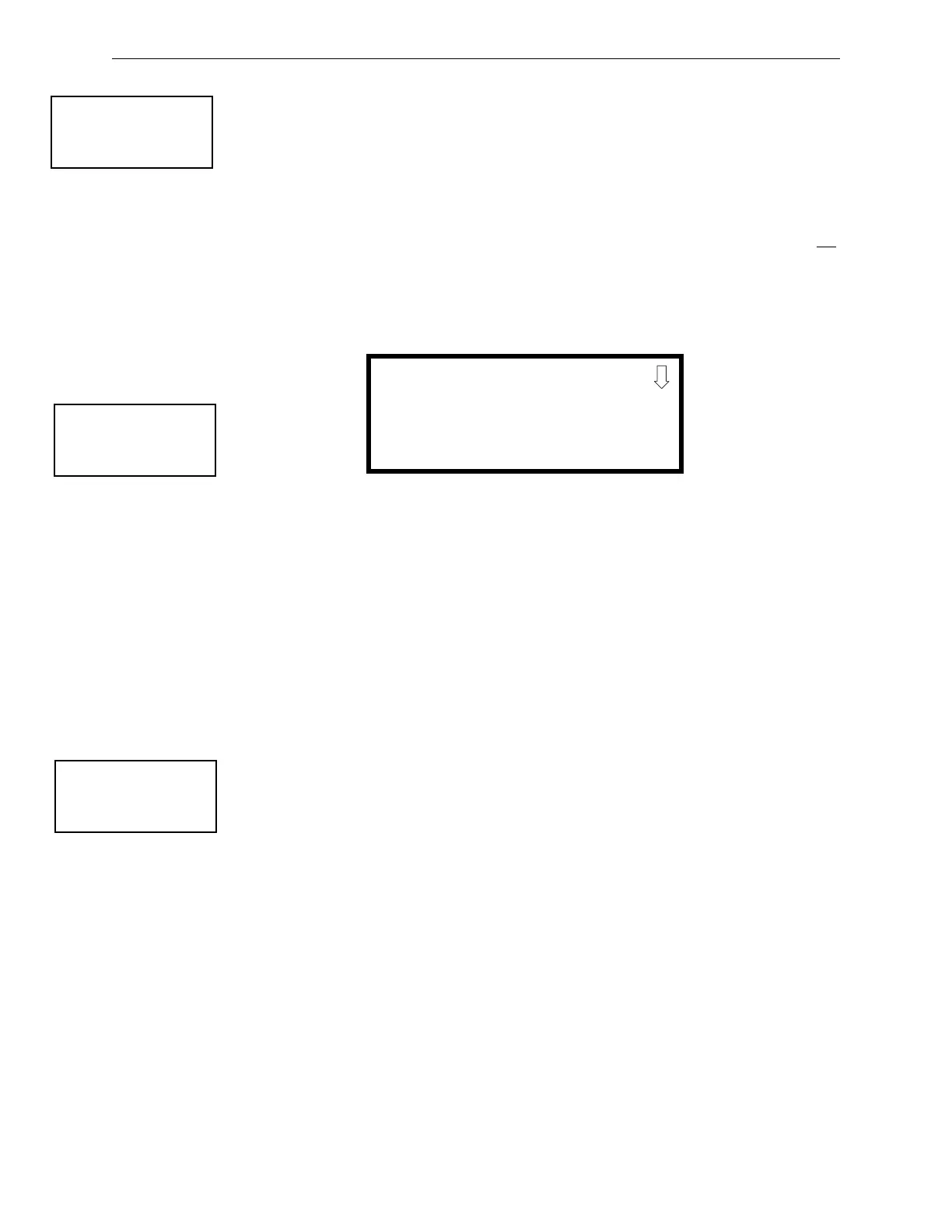
INPUT ZONE
1=ENABLED
2=TYPE
3=VERIFICATION
Edit Input Zone Screen #2
INPUT ZONE
#1=PAS/PRE-SIG DELAY
NO DELAY
Edit Input Zone Screen #3
PAS/PRE-SIG DELAY
1=NO DELAY
2=PRE-SIGNAL DELAY
3=PAS DELAY
PAS/Pre-Signal Delay Screen
INPUT ZONE #
1=FREEZE SUPV. NO
2=ACC MSG #
Edit Input Zone Screen #4


 To Next Page
 Loading...