MAN0878-09-EN_XLE_XLT_UserManual
A u g u s t 2 3 , 2 0 1 8 P a g e 59 | 158
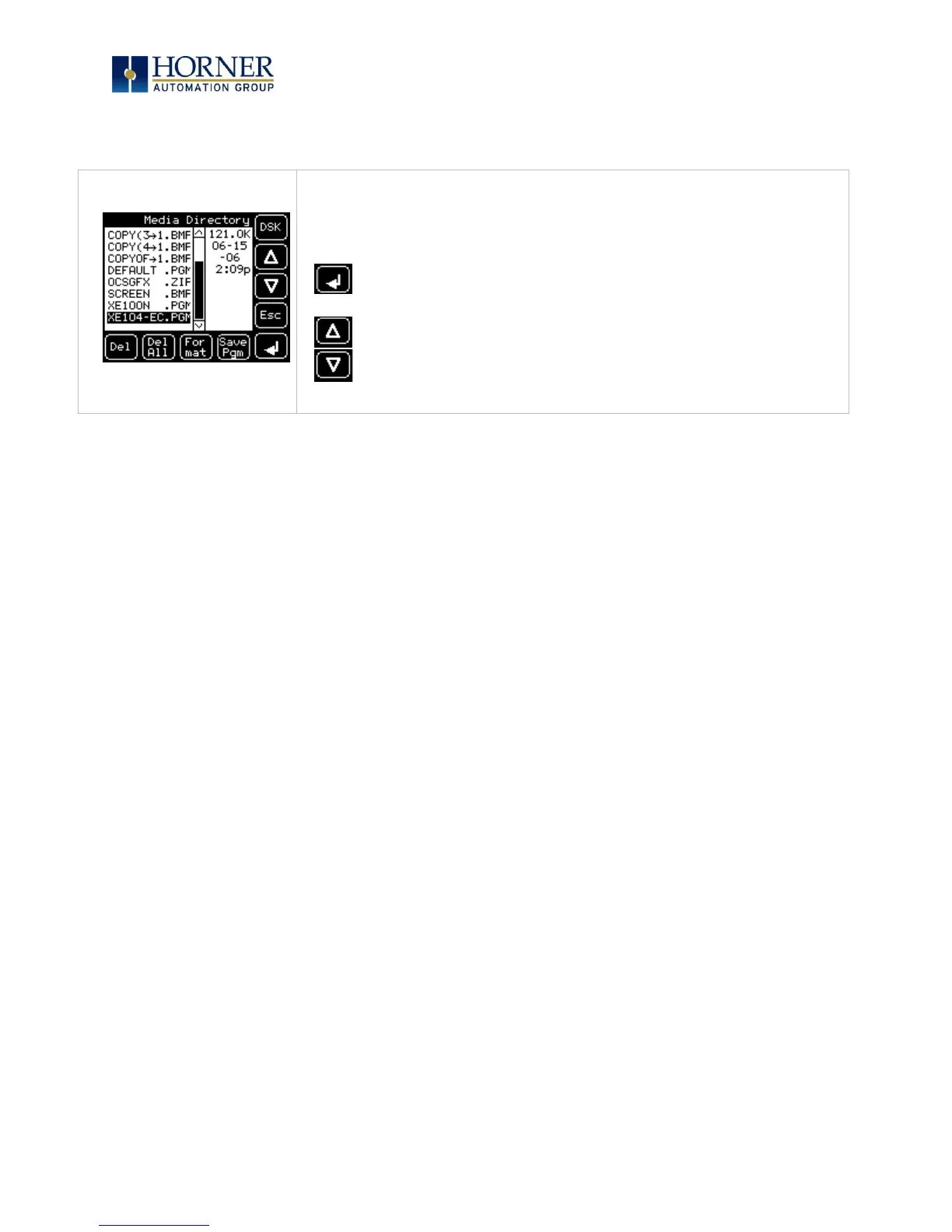
If the Removable Media Manager displays files or directories, there are several options
available:
Delete = Delete the highlighted file or directory
DelAll = Delete all files and directories
Format = Format the Micro SD card
SavPgm = Save XLT application to DEFAULT.PGM
= Enter Key
DSK = Shows number of total and free bytes in removable memory
= Up Arrow
= Down Arrow
Esc = Cancel current operation (back up one screen)
Pressing Esc returns to the normal file and directory display.
If a directory name is highlighted, pressing Enter will switch to that directory showing its files
and sub-directories. In a sub-directory, highlighting .. (dot dot) and pressing Enter will move up
one directory.



 To Next Page