MAN0878-09-EN_XLE_XLT_UserManual
A u g u s t 2 3 , 2 0 1 8 P a g e 60 | 158
Fail – Safe System
The Fail-Safe System is a set of features that allow an application to continue running in the
event of certain types of "soft" failures. These "soft" failures include:
• Battery power loss
• Battery-Backed Register RAM or Application Flash corruption due to, for example, an
excessive EMI event.
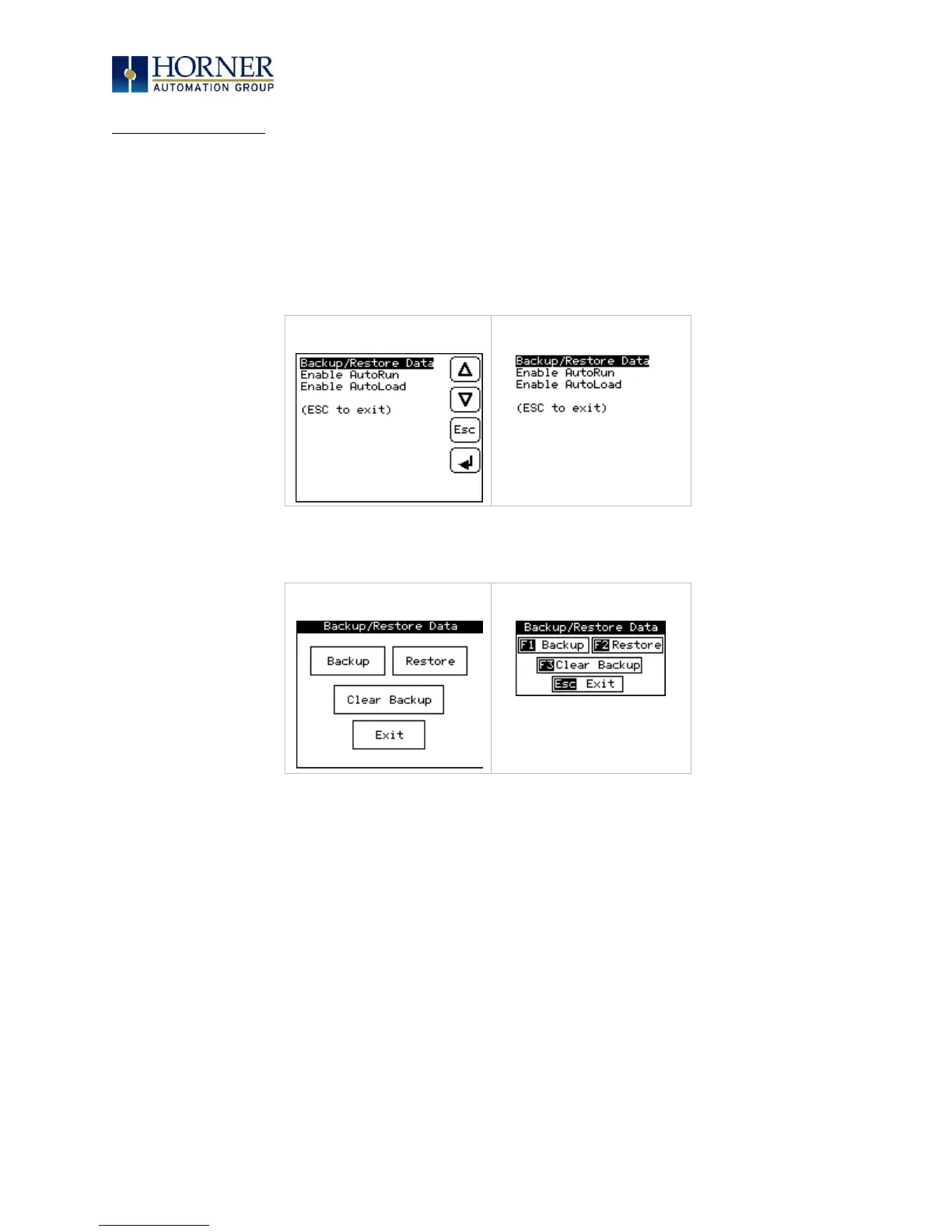
Selecting “Fail-Safe System” menu will open the following menu screen:
Backup = Copies Battery Backed RAM contents on to the onboard flash memory of the
OCS.
Restore = Copies the backed up data from onboard flash to the battery backed RAM.
Clear Backup = The backup data will be erased from the onboard flash.
Exit = Goes back to previous menu.



 To Next Page