MAN0878-09-EN_XLE_XLT_UserManual
A u g u s t 2 3 , 2 0 1 8 P a g e 61 | 158
AutoRun
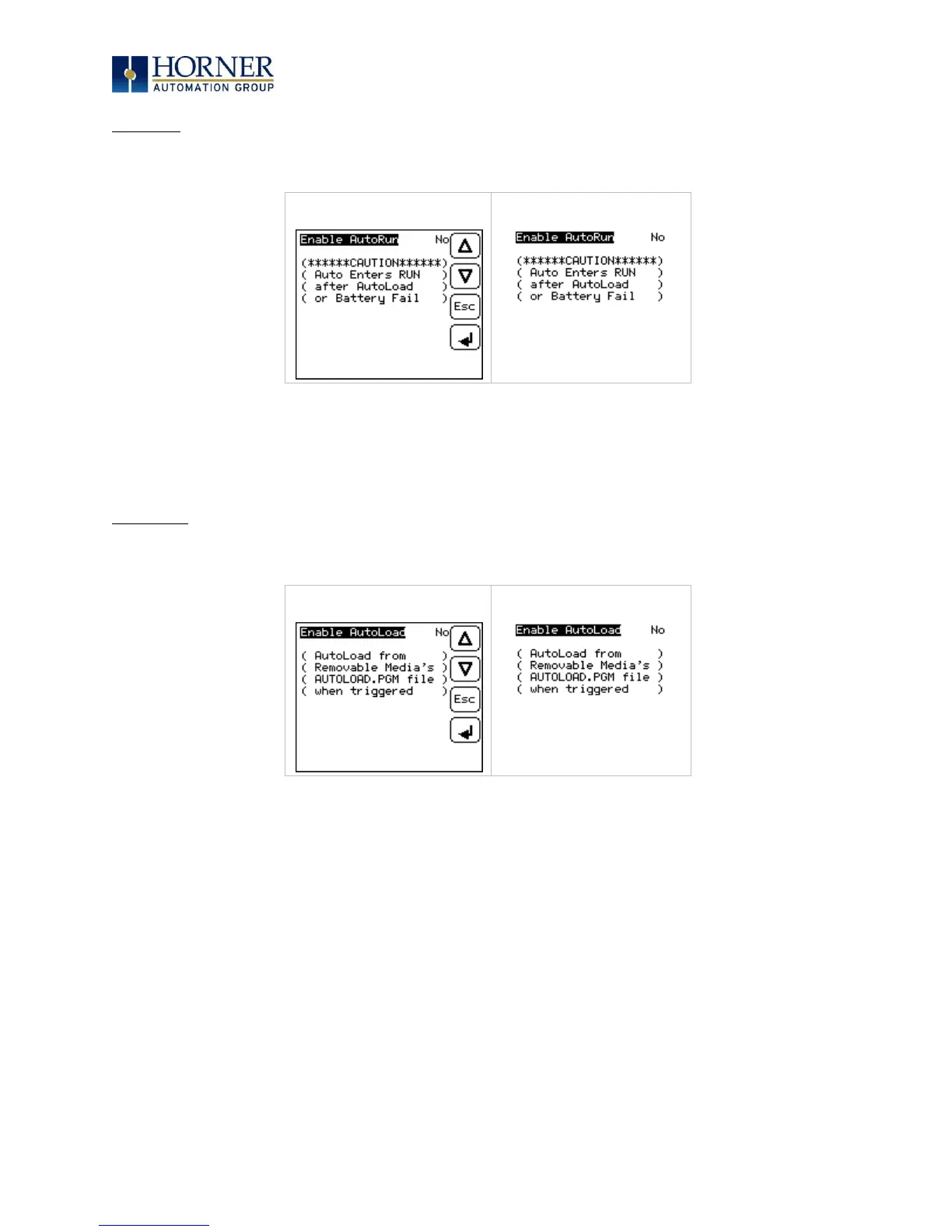
“Enable AutoRun” displays the following options which can be selected:
Enable AutoRun No = OCS will be in IDLE mode after AutoLoad or Automatic Restore.
Yes = OCS will be automatically placed into RUN mode after
AutoLoad or Automatic Restore.
AutoLoad
“Enable AutoLoad” displays the following options which can be selected:
Enable AutoLoad No = Does not load AUTOLOAD.PGM automatically when application
program is absent or corrupted.
Yes = Loads AUTOLOAD.PGM file automatically from RM when
application program is absent or corrupted.



 To Next Page