For Systems With Hospira MedNet
TM
Software
3- 4 430-95597-001 (Rev. 06/05)
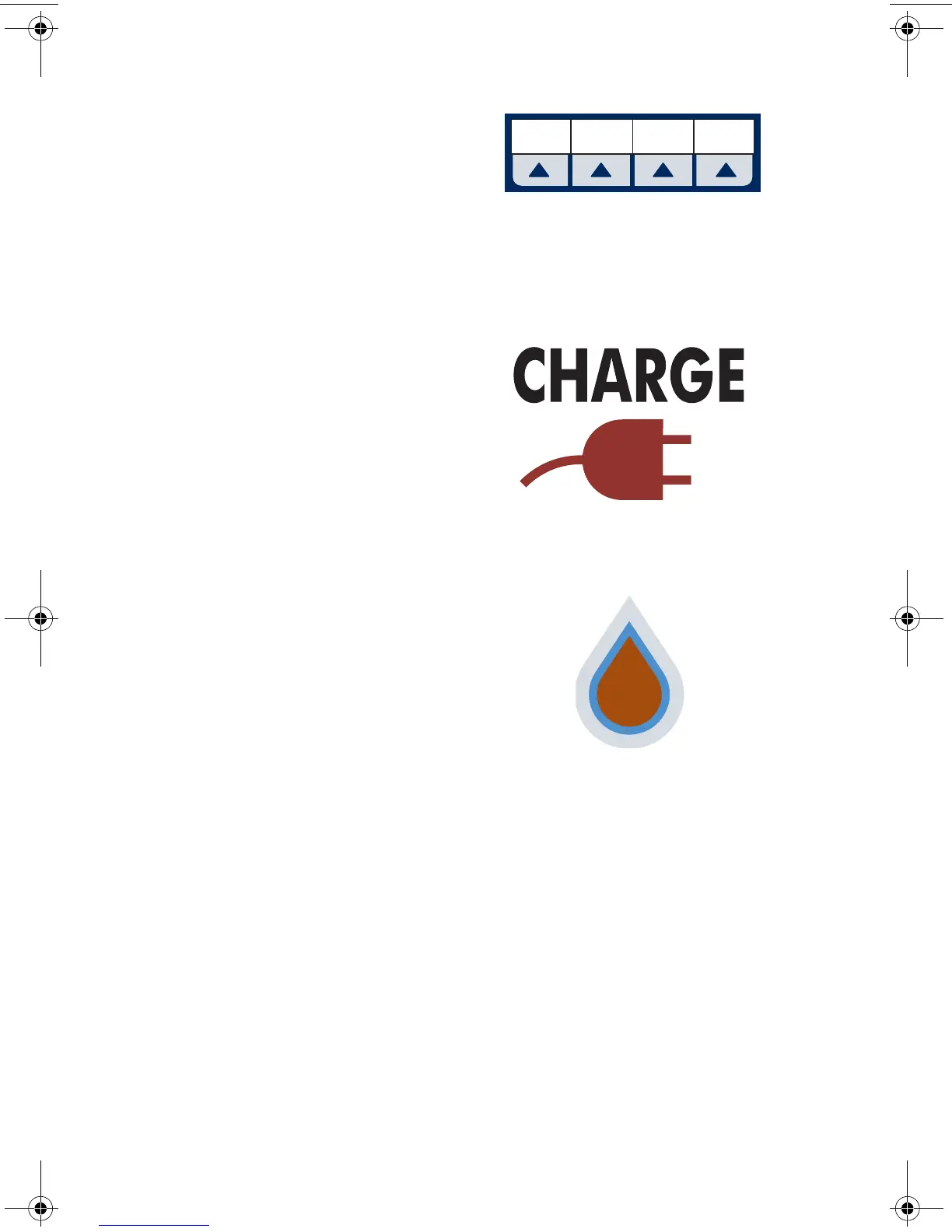
Softkeys are located at the bottom
of the main display and serve a
variety of functions. What each key
does is indicated by the text in the
display above the actual softkey.
Indicators
The Charge/Line Indicator is
illuminated to indicate the battery is
currently charging.
NOTE: If the device is plugged
into AC power, with a battery
installed, and the Charge
Indicator is not illuminated,
contact technical support.
The fluid drop symbol, when
flashing, indicates an active
infusion on Line A and/or Line B.
Cancel/
Back
Standby Enter
sec03.fm Page 4 Wednesday, June 8, 2005 8:19 AM



 To Next Page