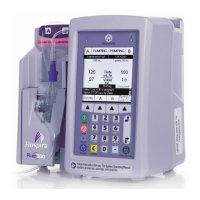
Plum A+
®
Infusion Systems
430-95597-001 (Rev. 06/05) 4- 21
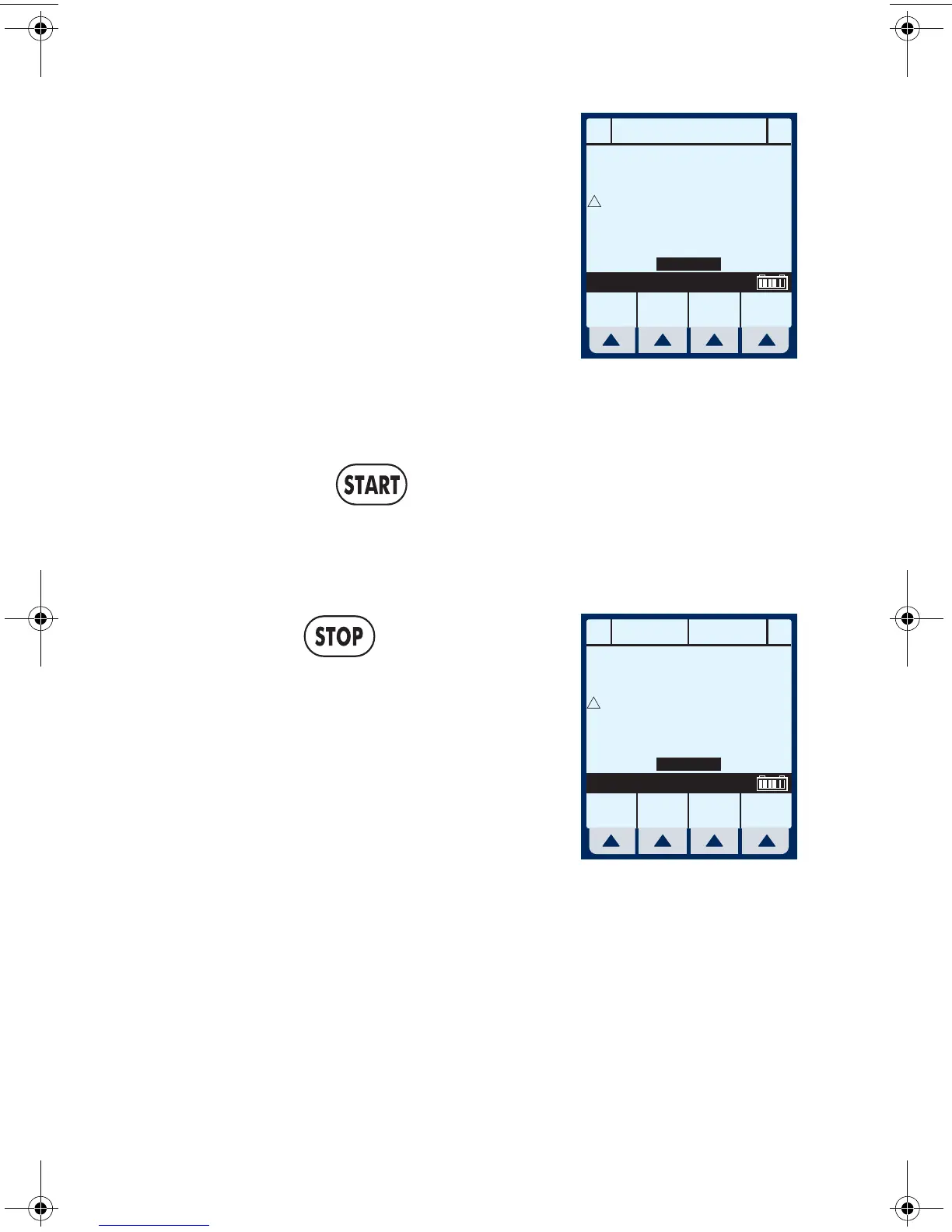
2 Select and hold
[Back Prime] until fluid
pumped from line A to line B
has expelled the air from
cassette air trap into
Secondary container.
NOTE: Fluid flow is at maximum rate
possible.
3 Upon release of
[Back Prime], the cassette test is
performed to confirm readiness for pumping.
Pressing will resume programmed delivery.
Clearing Settings
1 Press at the Main
Delivery Screen.
Clear ALL settings when
changing patients or multiple
programming parameters.
A
A
B
B
BACKPRIMING
Rate
mL/hr
Vol Inf
mL
Options/
Vol Inf
5.5
8.
9
0
0
Back
Prime
Release Backprime to Stop
!
MedSurg
A
A
B
B
PUMPING STOPPED
Rate
mL/hr
Vol Inf
mL
Options/
Vol Inf
5.
5
0.
1
0
0
!
MedSurg
sec04.fm Page 21 Wednesday, June 8, 2005 8:22 AM


 To Next Page