DESIG N IN SP IRATION
Patch Edit Menu
Select a patch from the main menu by using the forward/backward arrows on the screen.
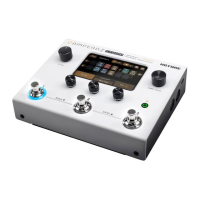
You can also select a stored patch by pressing any of the three numbered footswitches. Scroll back (press 1 and 2 together) or forward (press 2 and 3 together) through
patches using the footswitches.
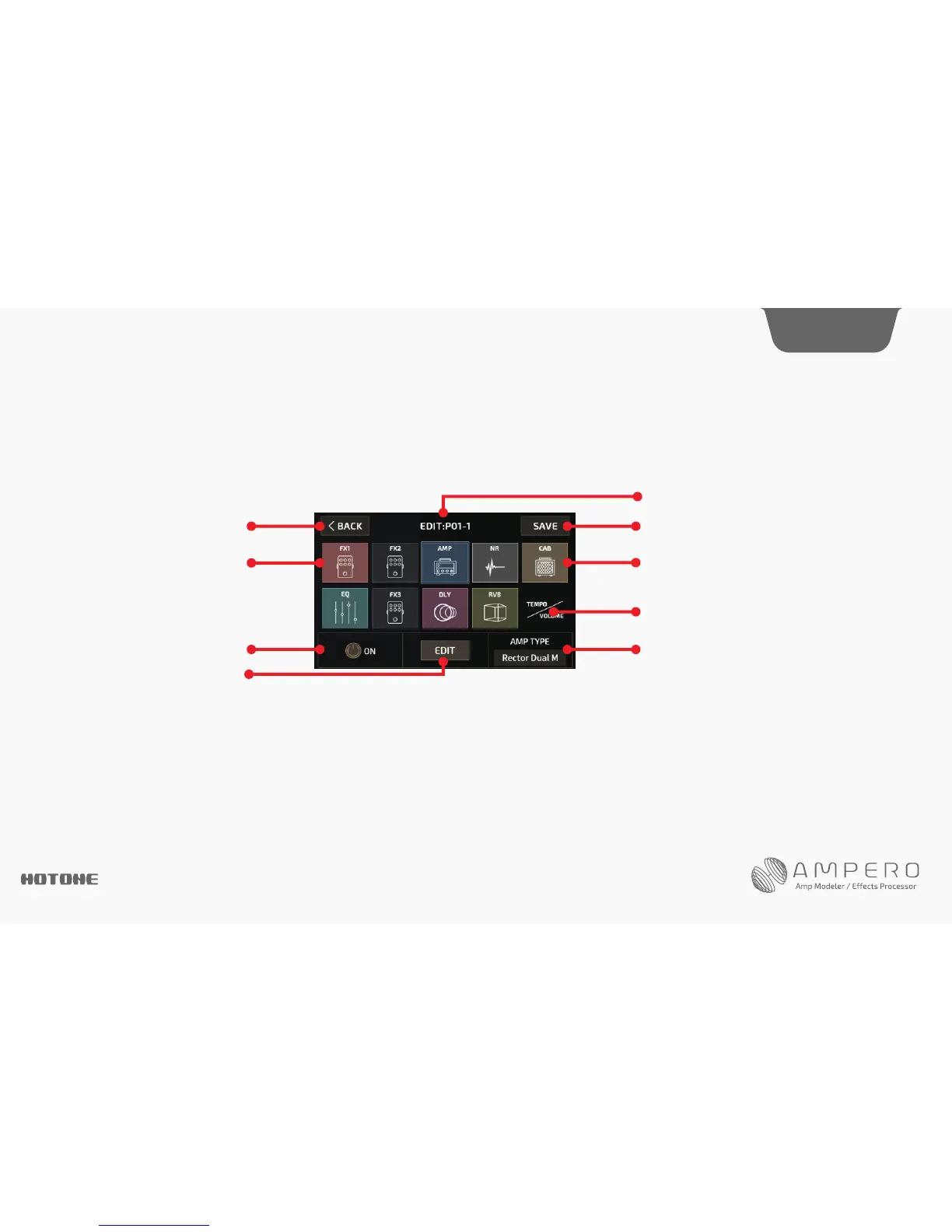
Next, select EDIT to enter the patch edit menu:
The menu is made of ten icon squares representing Ampero’s nine effects modules and a volume module.
The signal chain is ordered like this:
FX1 (select one)-FX2 (select one)-AMP (amp simulator)-NR( noise reducer)-CAB (cabinet simulator)-EQ (equalization)-FX3 (select one)-DLY (delay)-RVB (reverb)
FX1, FX2, and FX3 will hold effects of your choosing.
Press a square to select that module, then use quick access knob 1 or the on/off button to turn that module on or off. Press EDIT to enter the module edit menu.
You can also use the main knob: turn it to select a module, then press and click it to turn the module on or off. Press and hold the knob to enter the module edit menu.
Quick access knob 3 can also adjust the effect on the current module.
When you select TEMPO/VOLUME, use Quick Access Knob 1 to adjust the patch tempo from 40-250BPM, use Quick Access Knob 3 to adjust the patch volume from 0-99.
Customizing Your Ampero
Exitediting Entersavemenu
Currentpatchnumber
Indicates a module that is turned off
The highlighted frame indicates that
the AMP module is selected
Indicatedsamodulethatisturnedon
Presstoeditpatchtempoandpatchvolume
Turntheselectedmoduleon/off
Edittheselected module
Indicatestheeffectusedintheselectedmodule
Turn Quick Access Knob 3 to change effects
15




 To Next Page