DESIG N IN SP IRATION
Customizing Your Ampero
32
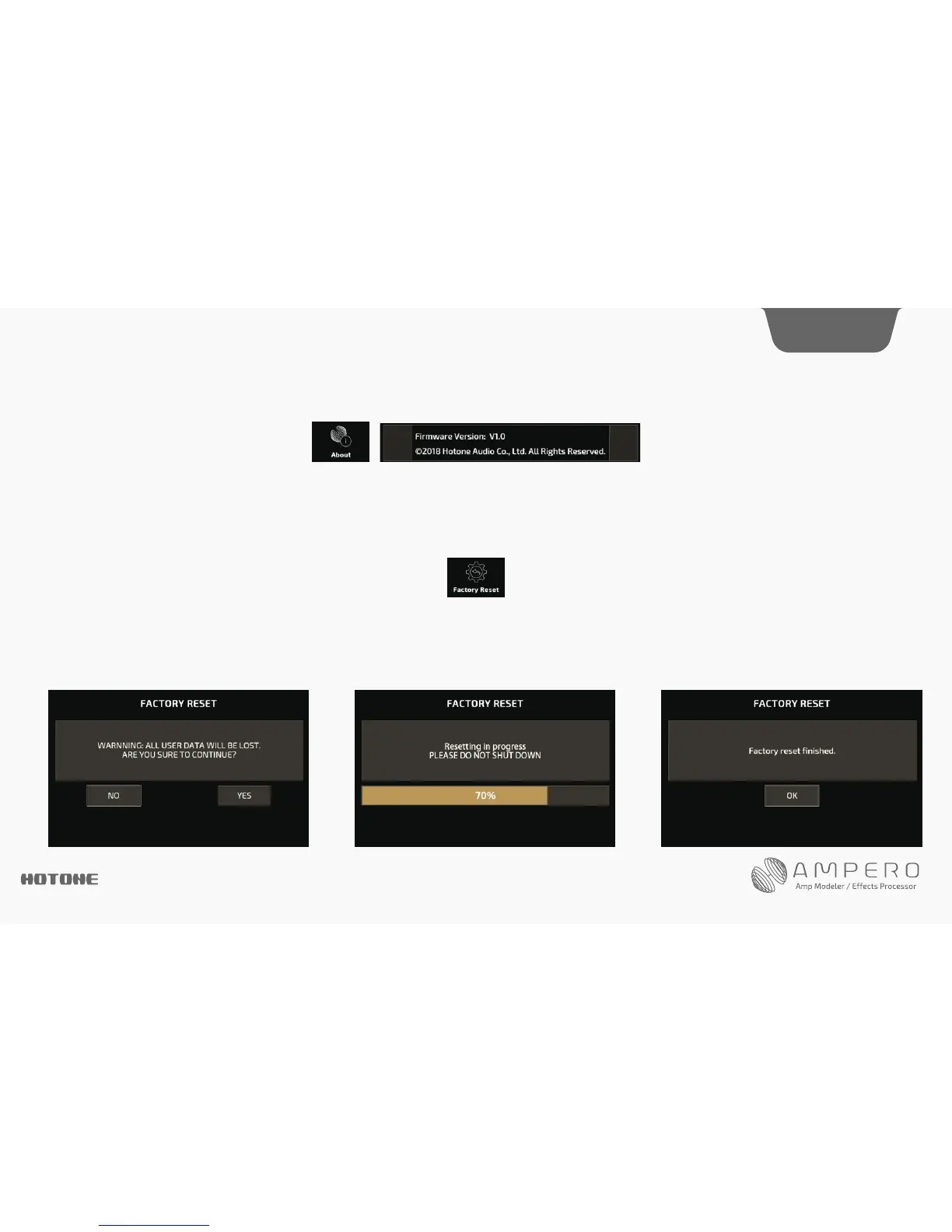
About
About will show you information about Ampero’s firmware.
Factory Reset
Use this menu to perform a factory reset. Remember, resetting Ampero will delete all of your saved changes and personal settings. Once it is executed, it cannot be
undone, so please back up your settings before performing a factory reset.
Press Factory Reset on the screen.
This display will come up with a warning.
Pressing YES will perform the factory reset. Pressing NO will return to the previous menu. After continuing with
the factory preset, this screen will appear showing that reset is in progress. Do not disconnect the power
supply while the reset is in progress. Disconnecting the power supply may cause Ampero to malfunction.
When the factory reset is complete, this message
will appear. Press OK to return to the main menu.




 To Next Page