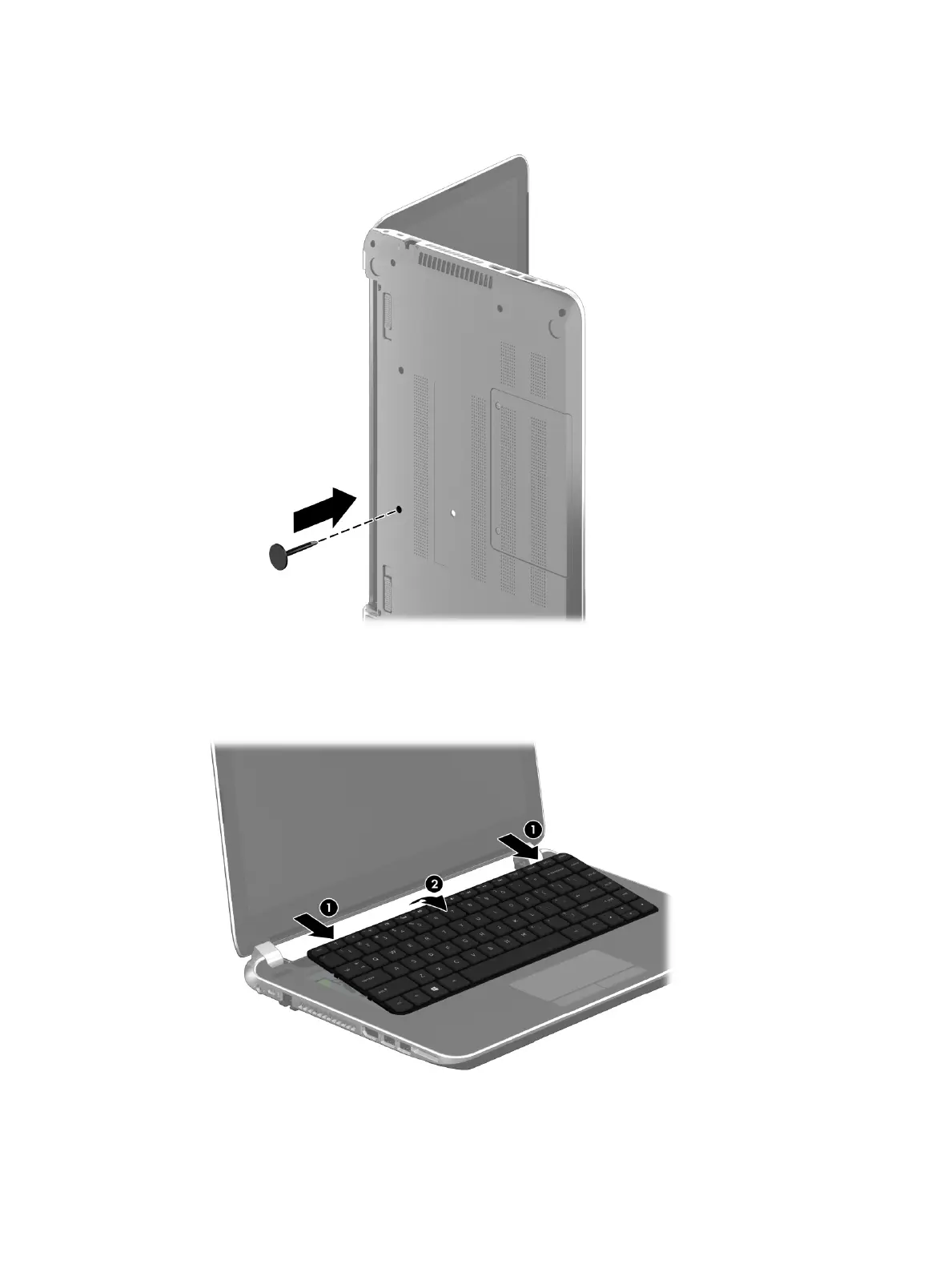
5. Insert a keyboard tool or similar thin tool into the left screw hole, and then press on the back of
the keyboard until the keyboard disengages from the computer.
6. Position the computer right-side up with the front toward you.
7. Press the rear edge of the keyboard (1) forward to release the keyboard clips.
8. Lift the rear edge of the keyboard (2) until it rests at an angle.
9. Swing the keyboard (1) up and forward until it rests upside down on the palm rest.
Component replacement procedures 33











 To Next Page