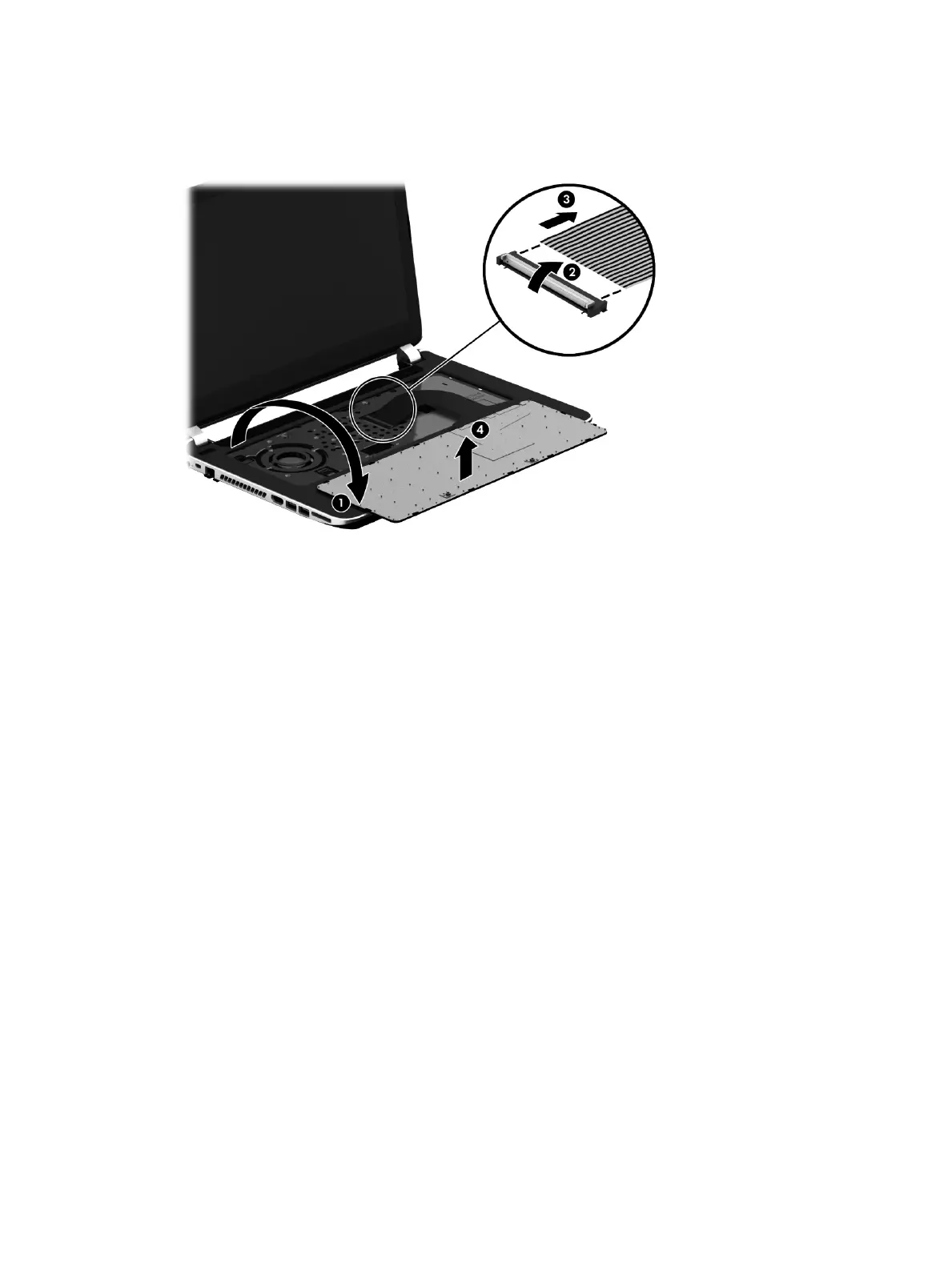
10. Release the zero insertion force (ZIF) connector (2) to which the keyboard cable is connecected,
and then disconnect the keyboard cable (3) from the system board.
11. Remove the keyboard (4).
Reverse this procedure to install the keyboard.
34 Chapter 5 Removal and replacement procedures for Customer Self-Repair parts











 To Next Page