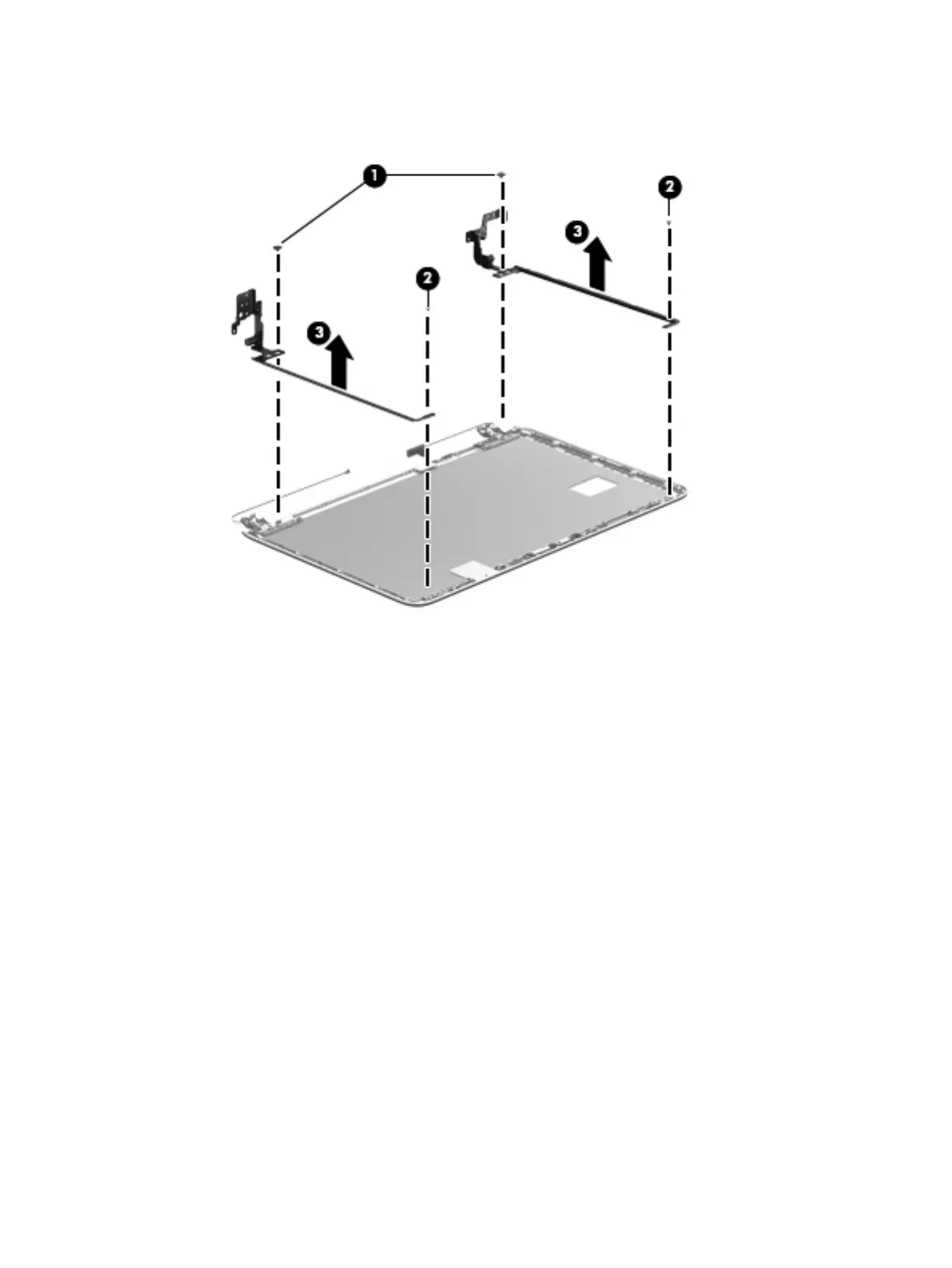
b. Remove the display hinges (3).
The display hinges are available using spare part number 734408-001.
6. If it is necessary to replace the display panel cable:
a. Disconnect the webcamera/microphone module cable (1) from the webcamera/microphone
module. (The webcamera/microphone module cable is part of the display panel cable.)
b. Release the display panel cable from the clips (2) and routing channel built into the
display enclosure.
66 Chapter 6 Removal and replacement procedures for Authorized Service Provider parts











 To Next Page