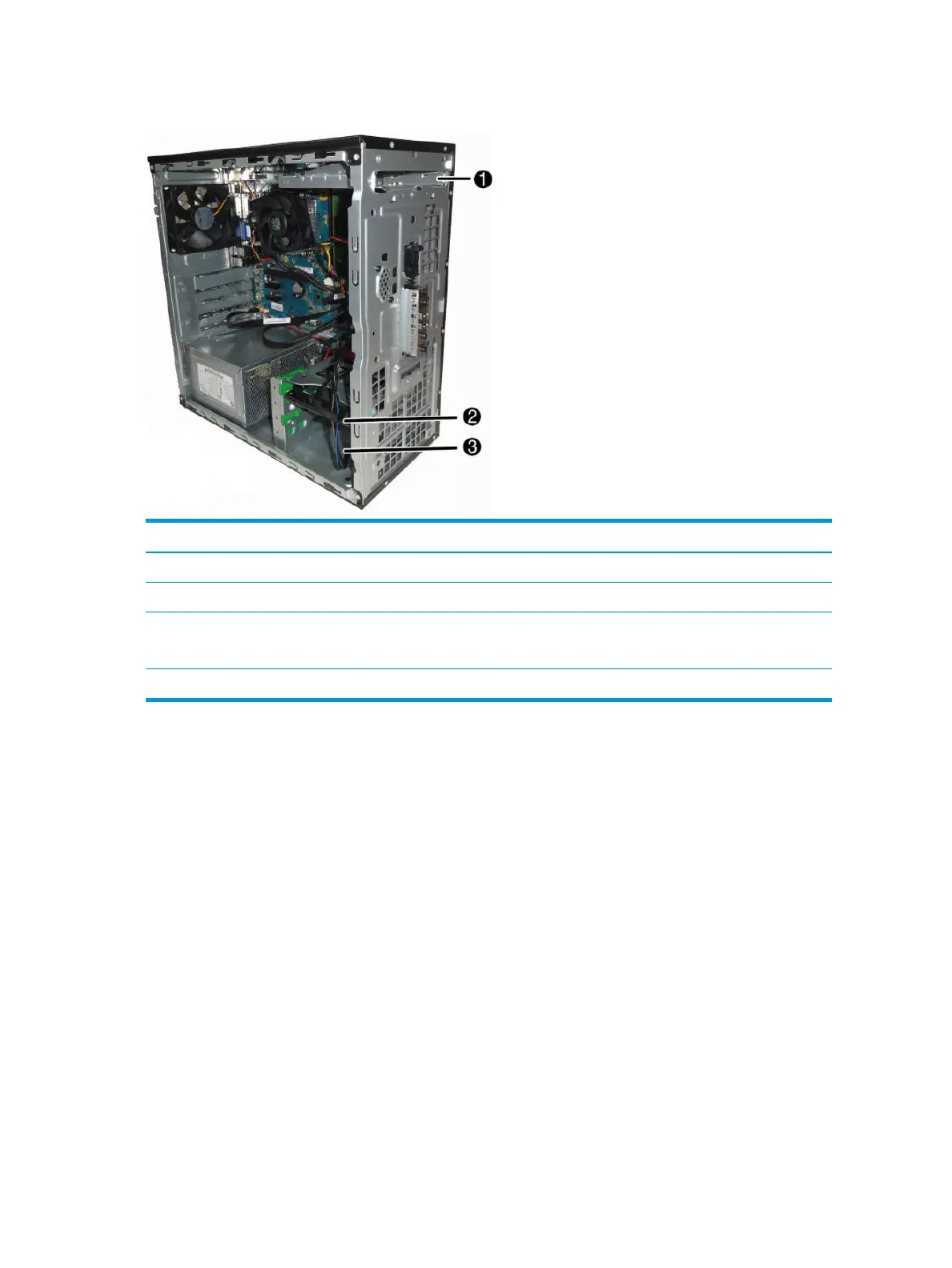
Drive positions
Item Component
1 9.5-mm slim optical drive bay
2 3.5-inch secondary hard drive bay
3 3.5-inch primary hard drive bay
NOTE: The bottom bay supports up to two 2.5-inch hard drives installed using an adapter bracket.
NOTE: The drive conguration on your computer may be dierent than the drive conguration shown above.
To verify the type and size of the storage devices installed in the computer, run Computer Setup.
26 Chapter 4 Removal and replacement procedures – Microtower (MT) chassis



 To Next Page