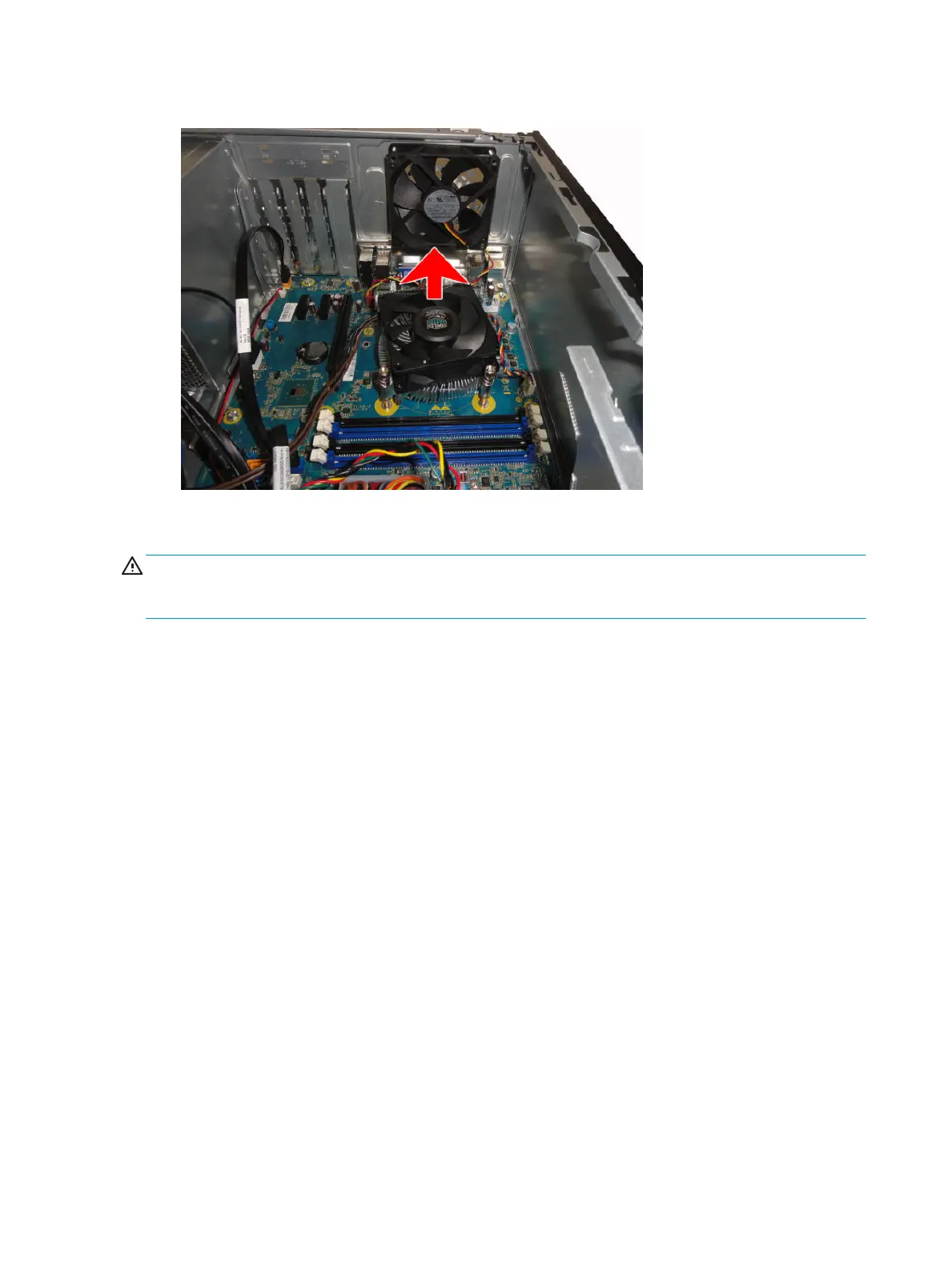
5. Lift the heat sink from atop the processor.
When reinstalling the fan sink, make sure that its bottom has been cleaned with an alcohol wipe and fresh
thermal grease has been applied to the top of the processor.
CAUTION: Fan sink retaining screws should be tightened in diagonally opposite pairs (as in an X) to evenly
seat the fan sink on the processor. This is especially important as the pins on the socket are very fragile and
any damage to them may require replacing the system board.
36 Chapter 4 Removal and replacement procedures – Microtower (MT) chassis



 To Next Page