2
Press
Autostore
.
Notice that
STORE
is displayed in the status line.
3
Set the trigger mode to normal, then adjust the trigger level into the
noise region of the signal.
4
Decrease the sweep speed for better resolution of the asynchronous
noise. Pan and zoom the waveform to view signal details.
To characterize the asynchronous noise signal, use the cursors.
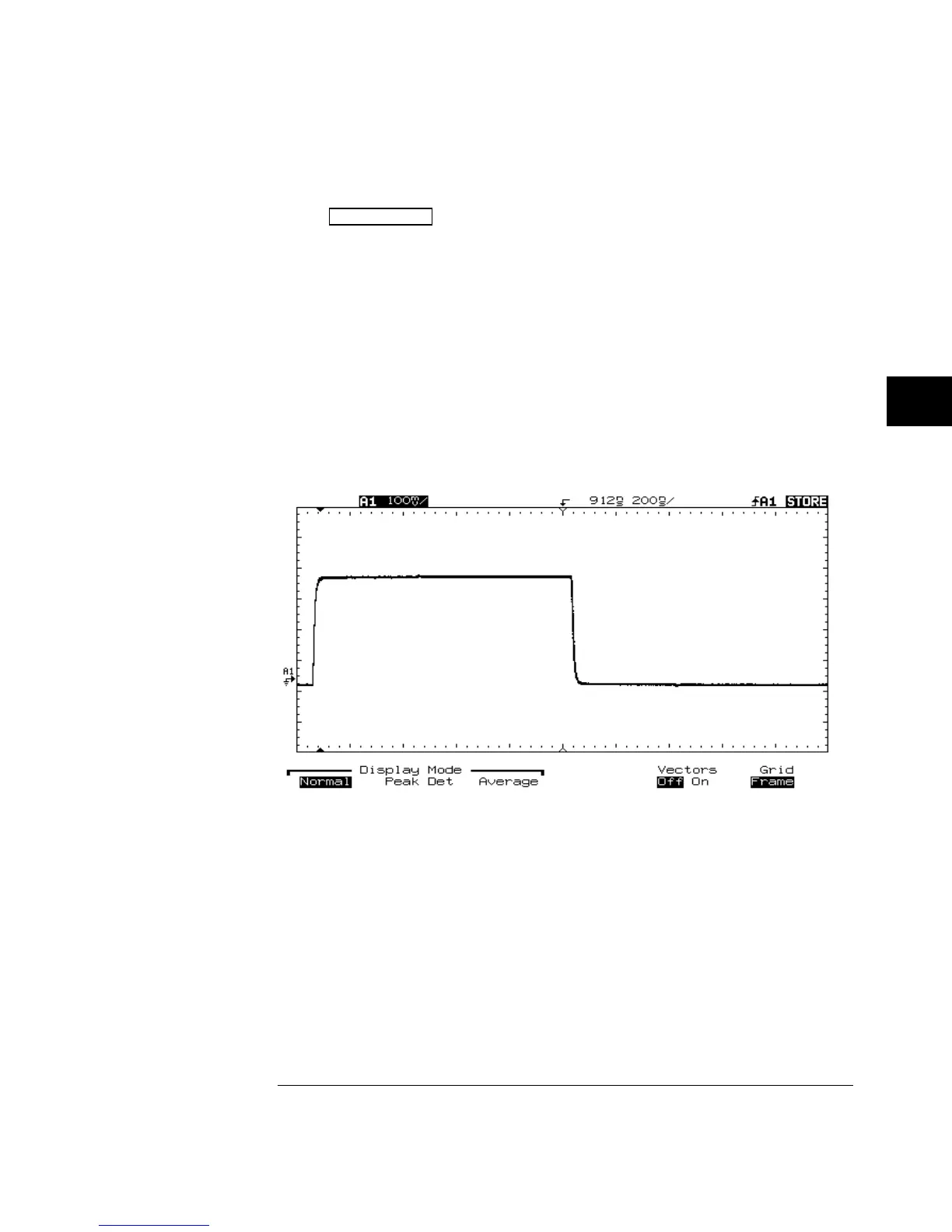
The following figure shows a triggered view of asynchronous noise shown in
the previous figure.
Triggered View of Asynchronous Noise
Figure 5-3
Making Measurements with HP 54645A/D Oscilloscopes
To view asynchronous noise on a signal
5-7



 To Next Page