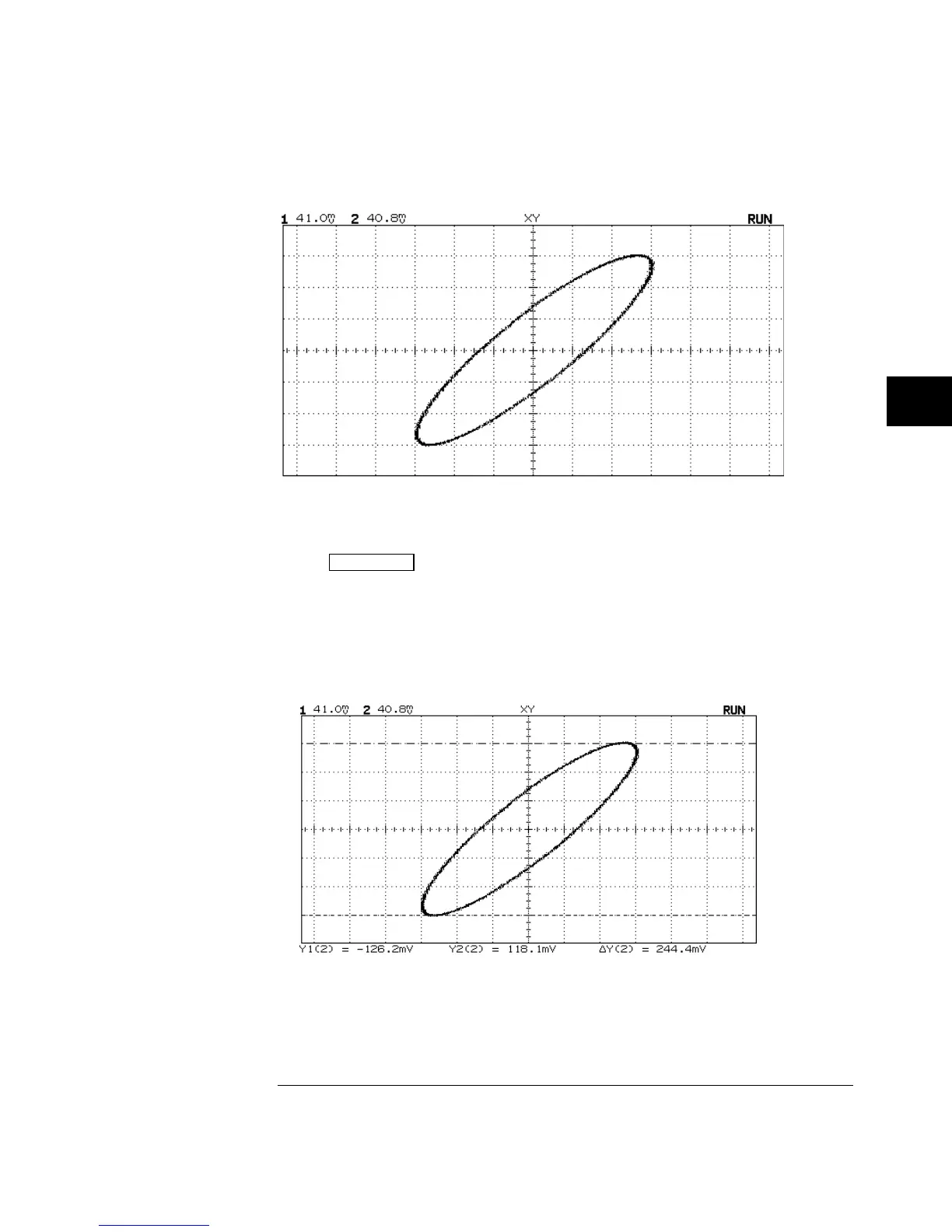
Signal Centered on the Display
4
Press
Cursors
.
5
Set the Y2 cursor to the top of the signal, and set Y1 to the bottom of
the signal.
Note the
∆
Y value at the bottom of the display. In this example, we are using
the Y cursors, but you could have used the X cursors instead. If you use the
X cursors, make sure you center the signal in the Y axis.
Cursors Set on Displayed Signal
Figure 5-9
Figure 5-10
Making Measurements with HP 54645A/D Oscilloscopes
To use the XY display mode
5-15



 To Next Page