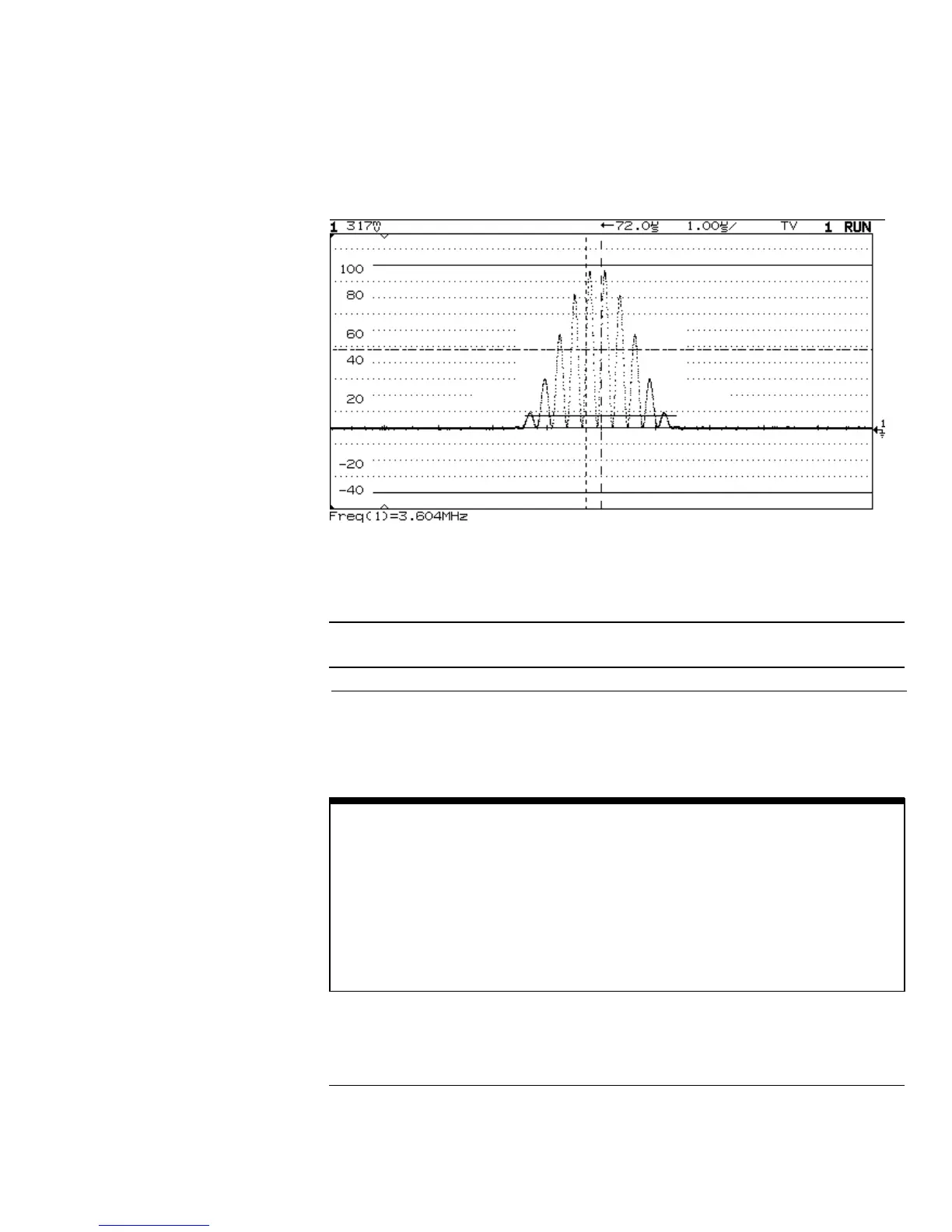
Triggering on Line 71
Note the TV Grid displayed (selected from the Display menu).
Table 6-1
Line Numbers per Field for Each TV Standard
TV Standard Field 1 Field 2 Alt Fld
NTSC 1 to 263 1 to 262 1 to 262
PAL 1 to 313 314 to 625 1 to 313
SECAM 1 to 313 314 to 625 1 to 313
GENERIC 1 to 1024 1 to 1024 1 to 1024 (Vertical)
Line Number Represents Count
In GENERIC mode, the line number represents the number of a count instead of
a real line number. This is reflected in the label above the softkey changing from
Line to Cnt. In the Trigger On selections, Field 1, Field 2 and Vertical are used to
indicate where the counting starts. For an interlaced TV system, the counting
starts from the rising edge of the first vertical serration pulse of Field 1 and/or
Field 2. For a non-interlaced TV system, the counting starts after the rising edge
of the vertical sync pulse.
Figure 6-1
Using Option 005 Enhanced TV/Video Trigger (HP 54645A)
To trigger on a specific line of video
6-6



 To Next Page