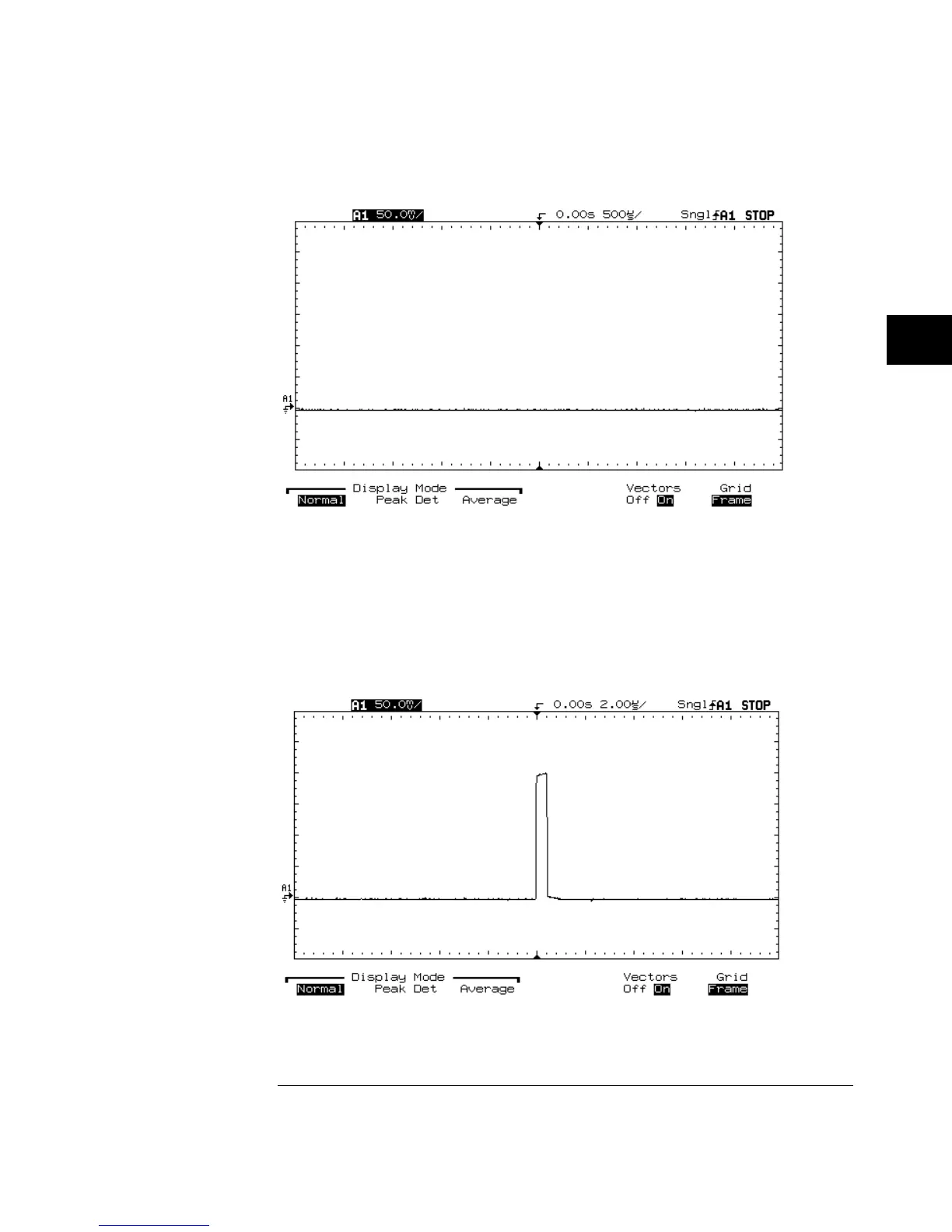
Attempting to Capture Narrow Pulse
As you change the Time/Div setting (zoom in), and look at a smaller time
window around the trigger, the percentage of the acquired samples to the
displayed samples increases. For example, at 2
µ
s/div (20
µ
s/div across the
screen), we now display every sample acquired in that time window
(20
µ
s / 5 ns = 4,000 samples). By zooming in to this range, we can see the
pulse of interest.
Zooming the Waveform to View Narrow Pulse
Figure 4-1
Figure 4-2
MegaZoom Concepts
Display Modes
4-9



 To Next Page