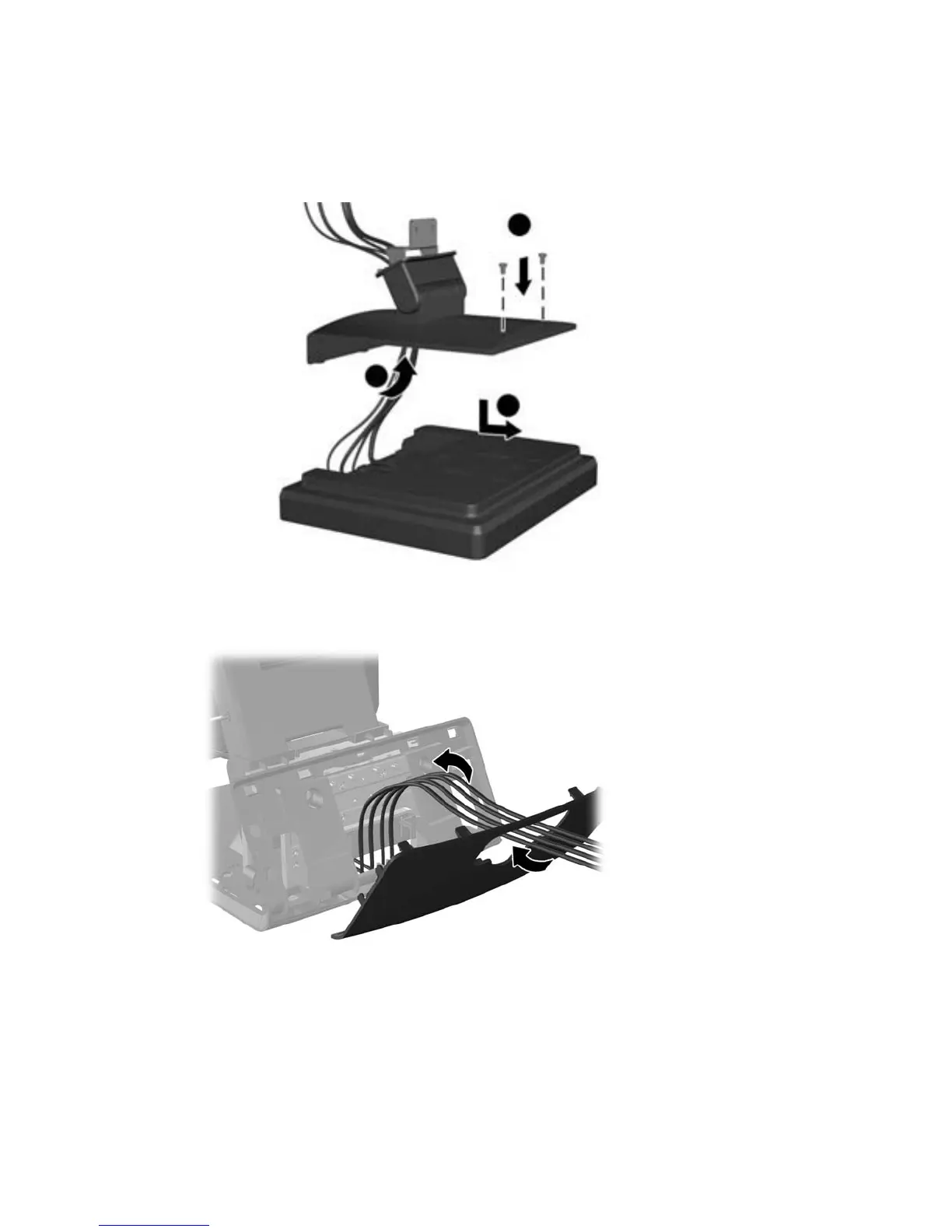
6. Route the audio, DVI, USB, and power cables through the hole in the customer display back
plate (1). Connect the back plate to the customer display by aligning the hooks on the back plate
with the slots on the back of the display and sliding the back plate up (2) so that the screw holes
on the back plate are aligned with the screw holes on the display. Install the two screws to
secure the back plate to the display (3).
7. Slide the cable ends through the hole in the center of the decorative panel that was included with
the customer display.
Installing an optional HP Retail RP7 10.4” customer display 31













 To Next Page