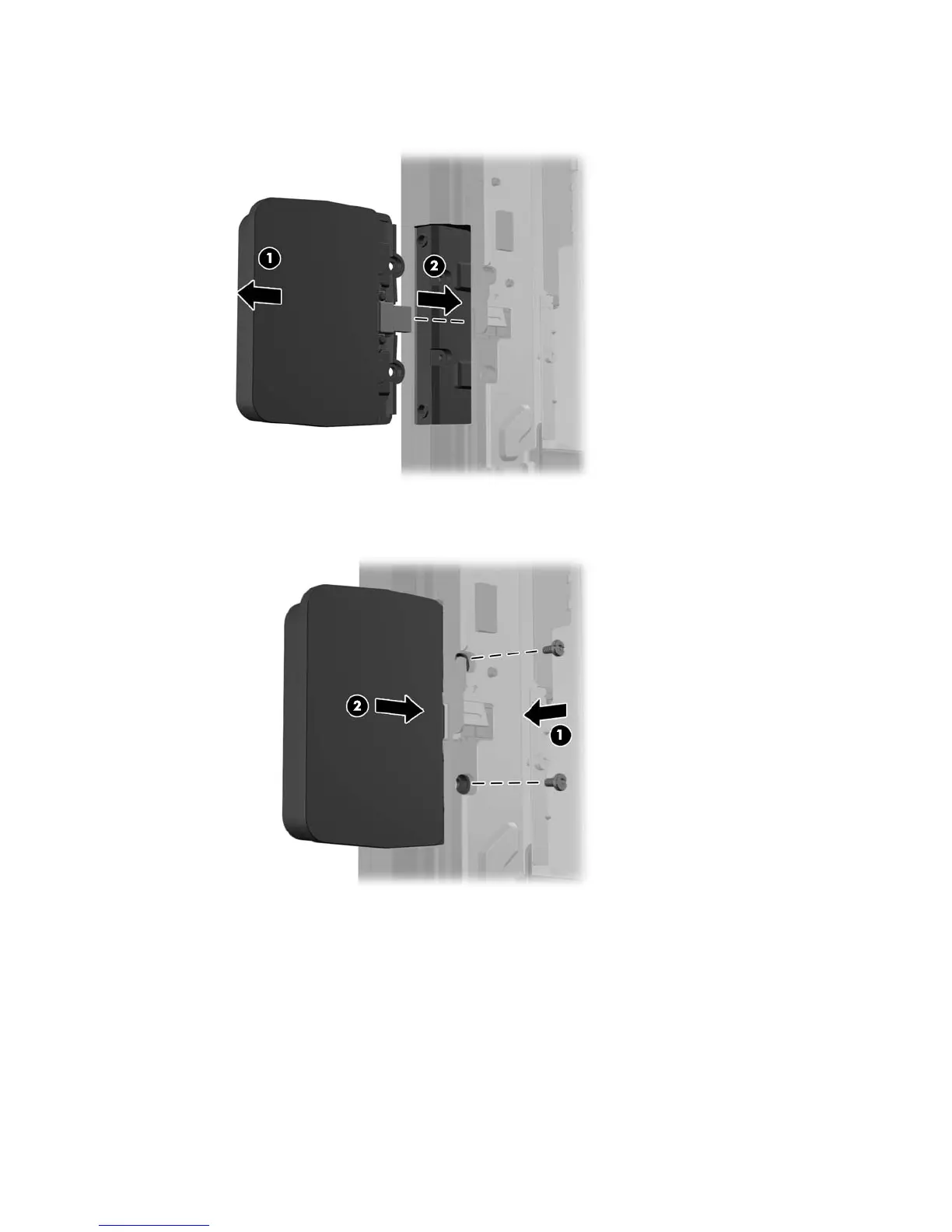
8. Slide the screw hole cover plate on the module back (1) and insert the USB connector on the
module into the USB port (2).
9. Install the two screws that were previously removed (1) and slide the cover plate on the module
forward to cover the screws (2).
10. Replace the monitor panel onto the computer.
48 Chapter 4 Removal and replacement procedures













 To Next Page