ES User’s Guide 4-85
Using Instrument Functions
Using a Keyboard
Keyboard Front Panel Key Equivalents
For example, to select measurement channel 1 as the active channel, on
the keyboard press with . To preset the network analyzer
with the keyboard, press with . In each case, hold down the
first key as you press the second key. To select , press
alone.
In case of difficulty, make sure that the keyboard is connected to the DIN
KEYBOARD connector on the rear panel. The keyboard must be IBM
PC/AT compatible.
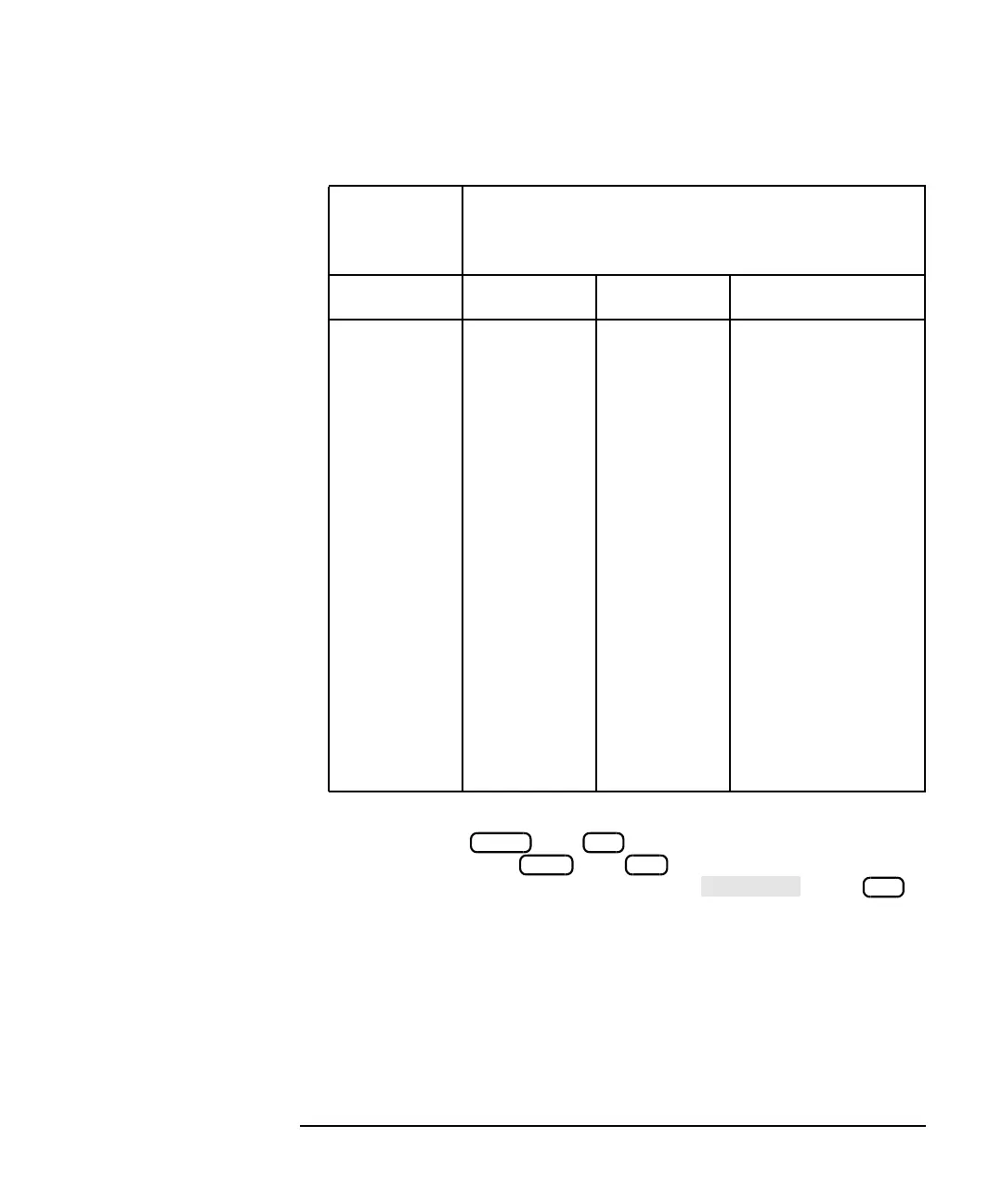
Keyboard
Function
Key
Front Panel Equivalents
Shift Ctrl
f1
f2
f3
f4
f5
f6
f7
f8
f9
f10
f11
f12
Softkey 1
Softkey 2
Softkey 3
Softkey 4
Softkey 5
Softkey 6
Softkey 7
Softkey 8
MEAS 1
MEAS 2
FREQ
POWER
SWEEP
MENU
SCALE
MARKER
DISPLAY
FORMAT
CAL
AVG
SAVE RECALL
HARD COPY
SYSTEM OPTIONS
PRESET
BEGIN



 To Next Page