ES User’s Guide 2-9
Getting Started
Entering Measurement Parameters
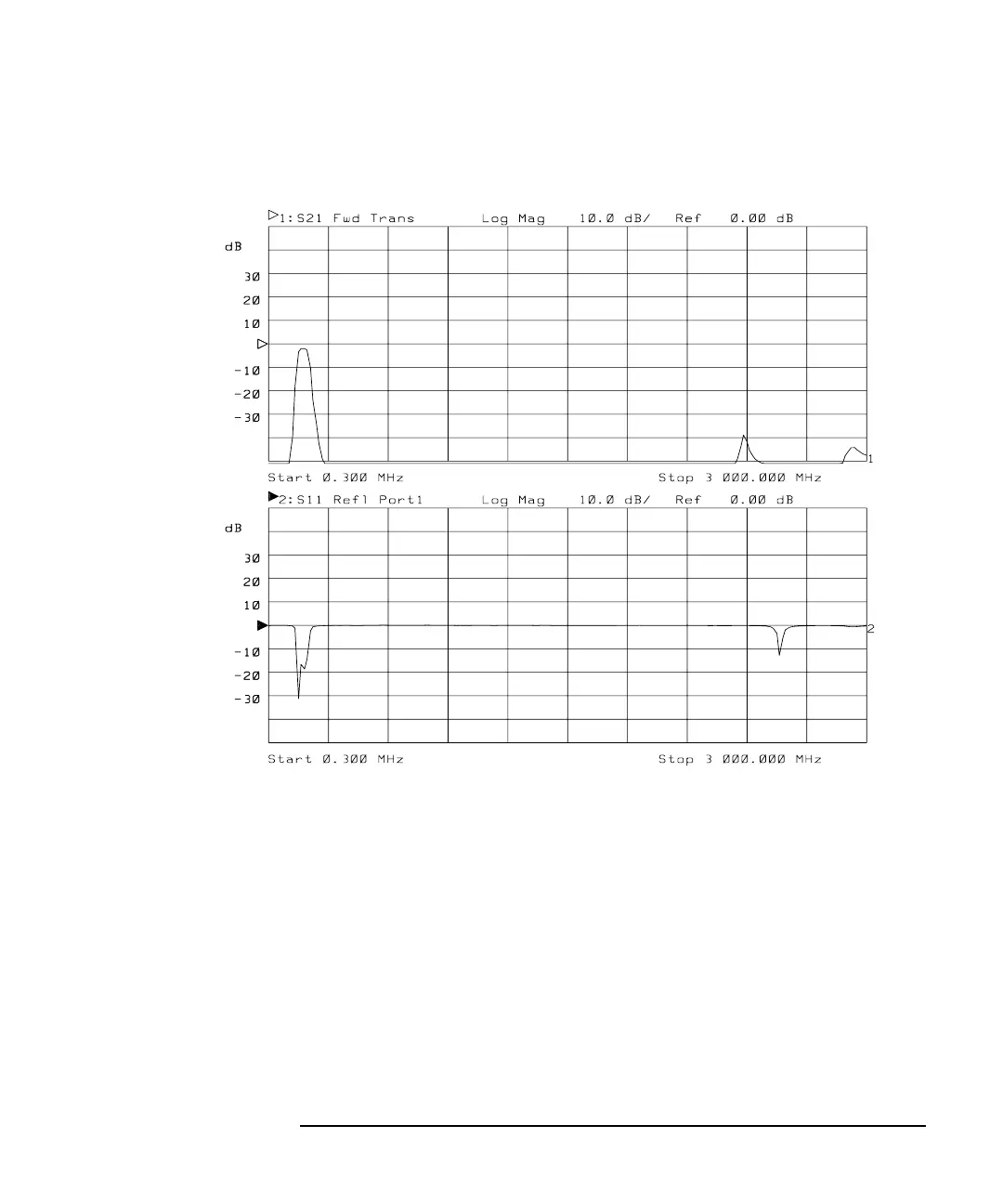
Figure 2-5 Split Display
You have now learned how to enter common measurement parameters
and how to manipulate the display for optimum viewing of your
measurement. You can now proceed on to performing the operator's
check, or refer to Chapter 3, “Making Measurements,” for detailed
information on making specific types of measurements.



 To Next Page