1–6 Hardware Guide
Notebook Features
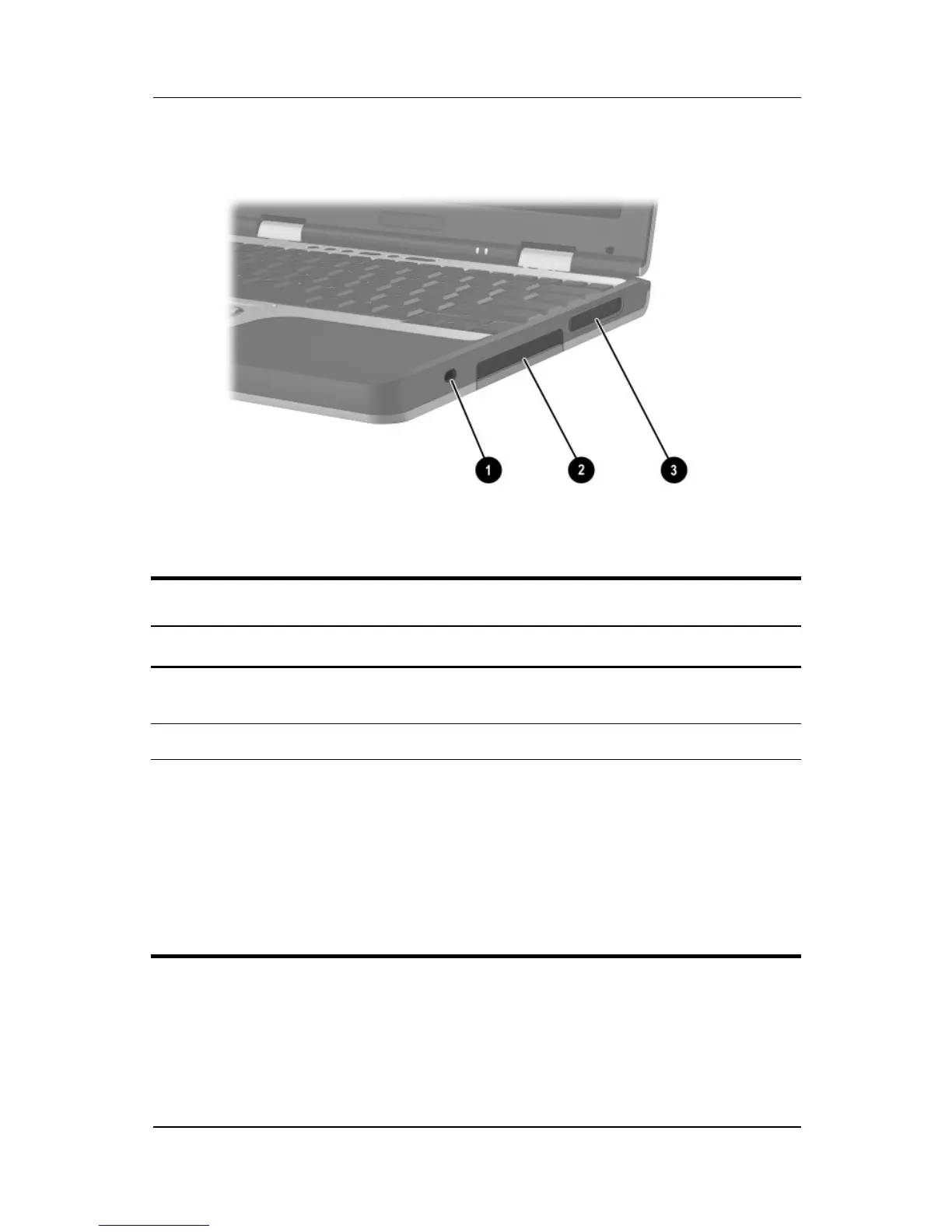
Right Side Components
Right Side Components
Item Component Description
1
Security cable slot Attaches an optional security cable to
the notebook.
2
Hard drive bay Holds the primary hard drive.
3
Exhaust vent Enables airflow to cool internal
components.
Ä
To prevent overheating, do not
obstruct vents. Using the
notebook on a soft surface,
such as a pillow, blanket, rug,
or thick clothing may block
airflow.



 To Next Page