Hardware Guide 6–1
6
Communication Devices
Connecting a Modem Cable
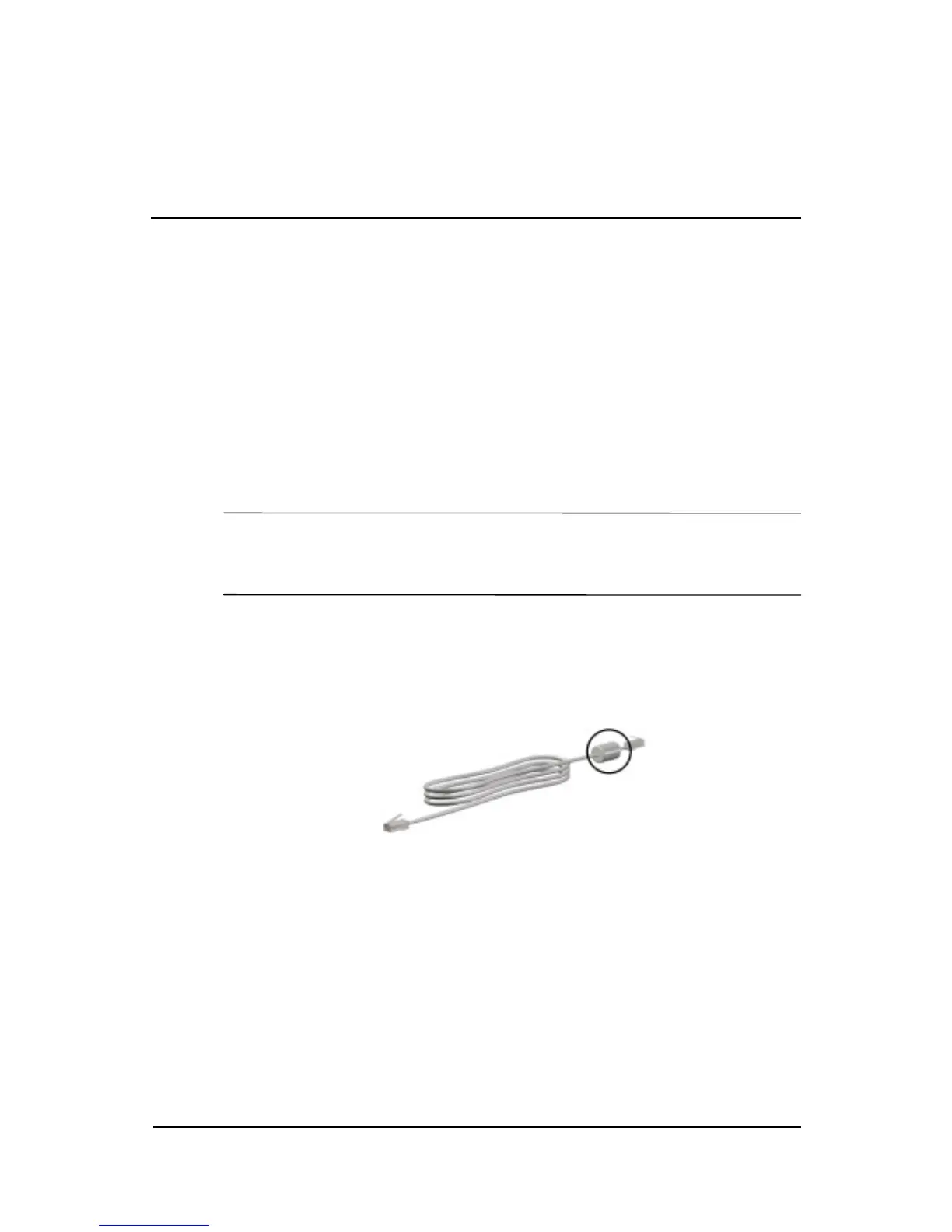
A modem cable, which has a 6-pin RJ-11 connector at each end,
must be connected to an analog telephone line. Jacks for digital
PBX systems may resemble analog telephone jacks, but are not
compatible with the modem.
Å
WARNING: Connecting the notebook to a digital line can
permanently damage the modem. Immediately disconnect your
modem cable if accidentally connected to a digital line.
If the modem cable contains noise suppression circuitry, which
prevents interference from TV and radio reception, orient the
circuitry end of the cable toward the notebook.
RJ-11 modem cable with noise suppression circuitry



 To Next Page