Hard Drive
Hardware Guide 4–3
Replacing the Primary Hard Drive
The hard drive in the hard drive bay is the primary hard drive.
Ä
CAUTION: To prevent system lockup and loss of information:
■ Shut down the notebook before removing the hard drive from
the hard drive bay. Do not remove the hard drive while the
notebook is on, in Standby, or in Hibernation.
■ If you are not sure whether the notebook is in Hibernation, turn
on the notebook and then shut it down.
To replace the primary hard drive:
1. Save your work.
2. Shut down the notebook and close the display.
3. Turn the notebook bottom-side up.
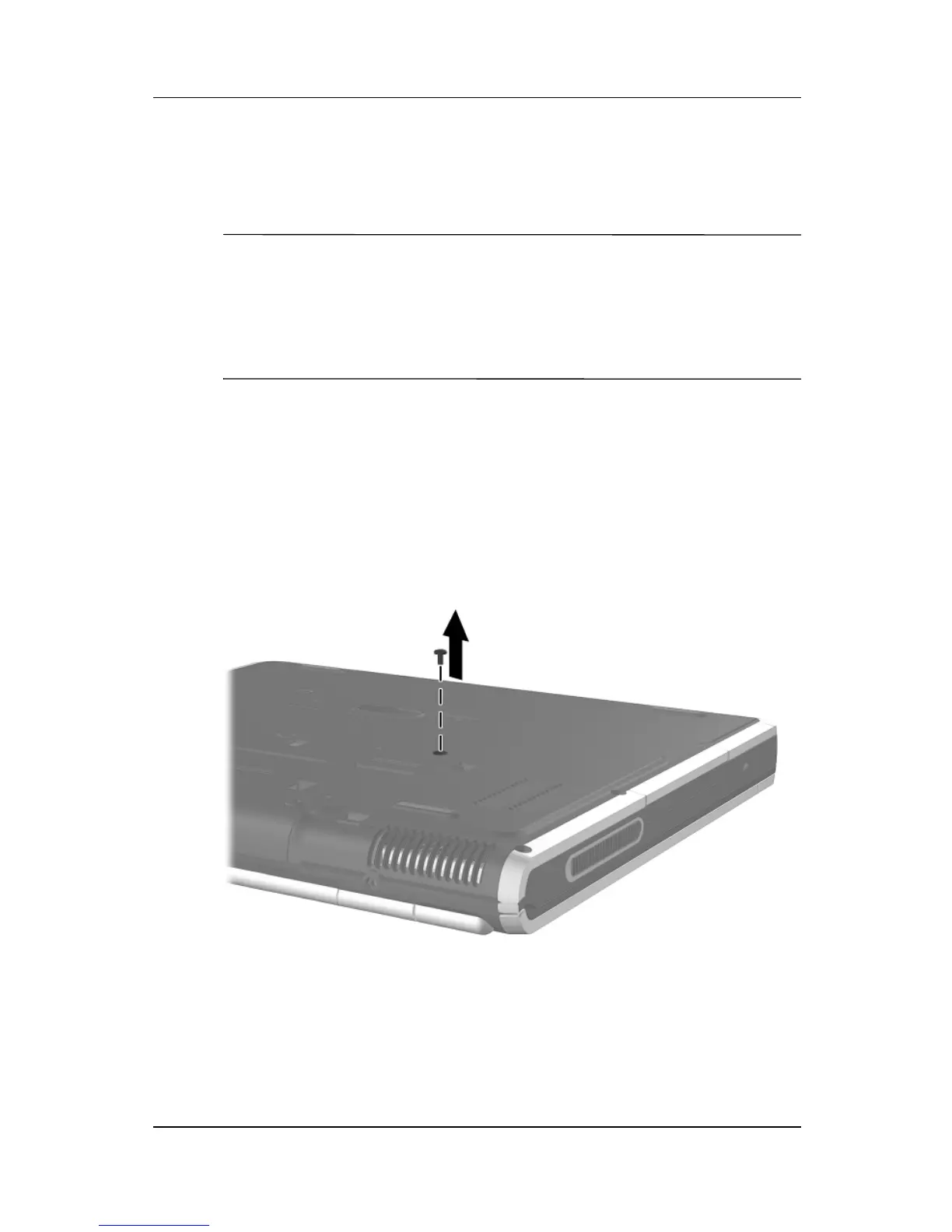
4. Remove the hard drive retaining screw.
Removing the hard drive retaining screw



 To Next Page