7–4 Hardware Guide
External Devices
4. Select Enable USB legacy support.
5. To save your preference and exit Computer Setup, select
File > Save Changes and Exit, then follow the instructions on
the screen.
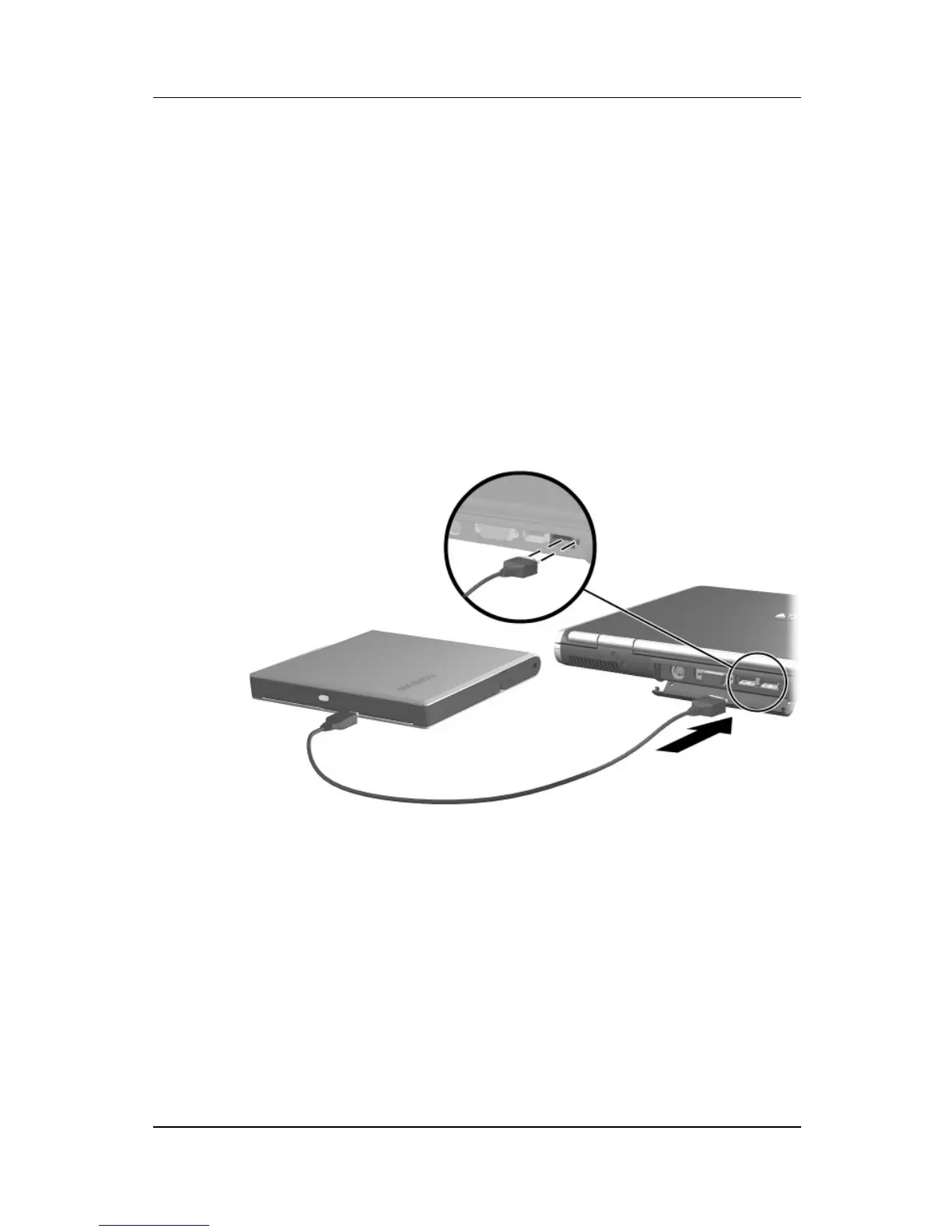
Using an Optional External MultiBay
An external MultiBay connects to the notebook by way of the
self-powered USB connector and enables you to use MultiBay
drives. For more information about the external MultiBay, refer to
the documentation that is included with the device.
Connecting an external MultiBay



 To Next Page