Communication Devices
Hardware Guide 6–5
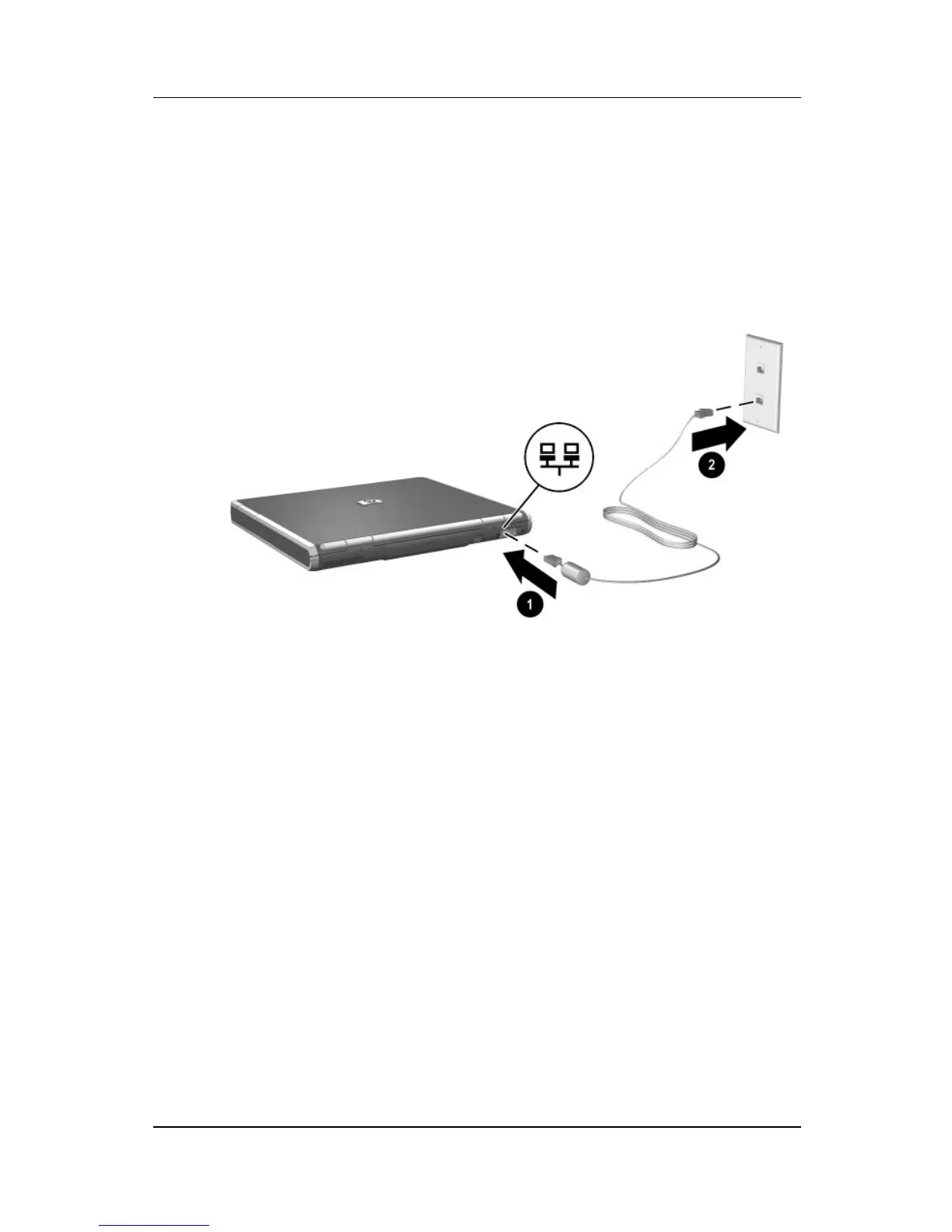
To connect the network cable:
1. Plug the network cable into the RJ-45 jack on
the notebook 1.
2. Plug the other end of the cable into a network jack 2.
Connecting a network cable
3. Start or restart the notebook.
4. Connect to the network.
Linking to an Infrared Device
The notebook is IrDA-compliant—4 megabits per second (Mbps)
standard—and can communicate with another infrared-equipped
device that is also IrDA-compliant.



 To Next Page