8–2 Hardware Guide
Hardware Upgrades
Inserting a PC Card
Ä
CAUTION: To prevent damage to the connectors:
■ Use minimal pressure when inserting a PC Card into a
PC Card slot.
■ Do not move or transport the notebook while a PC Card
is inserted.
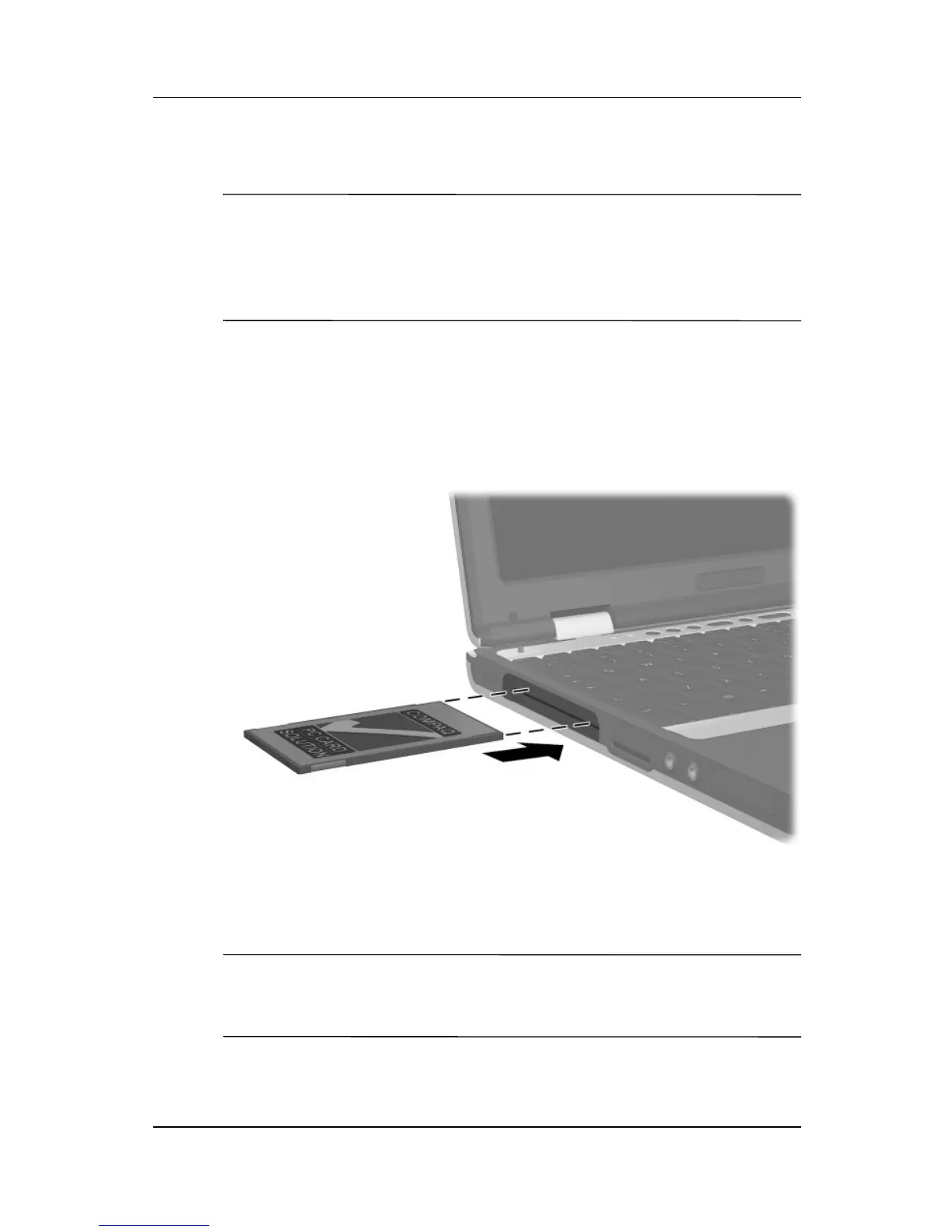
To insert a PC Card:
1. Hold the PC Card label-side up with the connector facing the
notebook.
2. Gently push the card into the slot until the card is seated.
Inserting a PC Card into the PC Card slot
Removing a PC Card
Ä
CAUTION: To prevent loss of work or system lockup, stop the
PC Card, according to the instructions that follow, before
removing it.



 To Next Page