8–4 Hardware Guide
Hardware Upgrades
Using SD Cards
Secure Digital (SD) cards are removeable postage stamp-sized
compact flash storage devices that provide a convenient method
of storing data and sharing it with other devices such as PDAs,
cameras, and other SD equipped PCs.
Inserting an SD Card
Ä
CAUTION: To prevent damage to the connectors:
■ Use minimal pressure when inserting an SD card into an SD
card slot.
■ Do not move or transport the notebook while an SD card is
inserted.
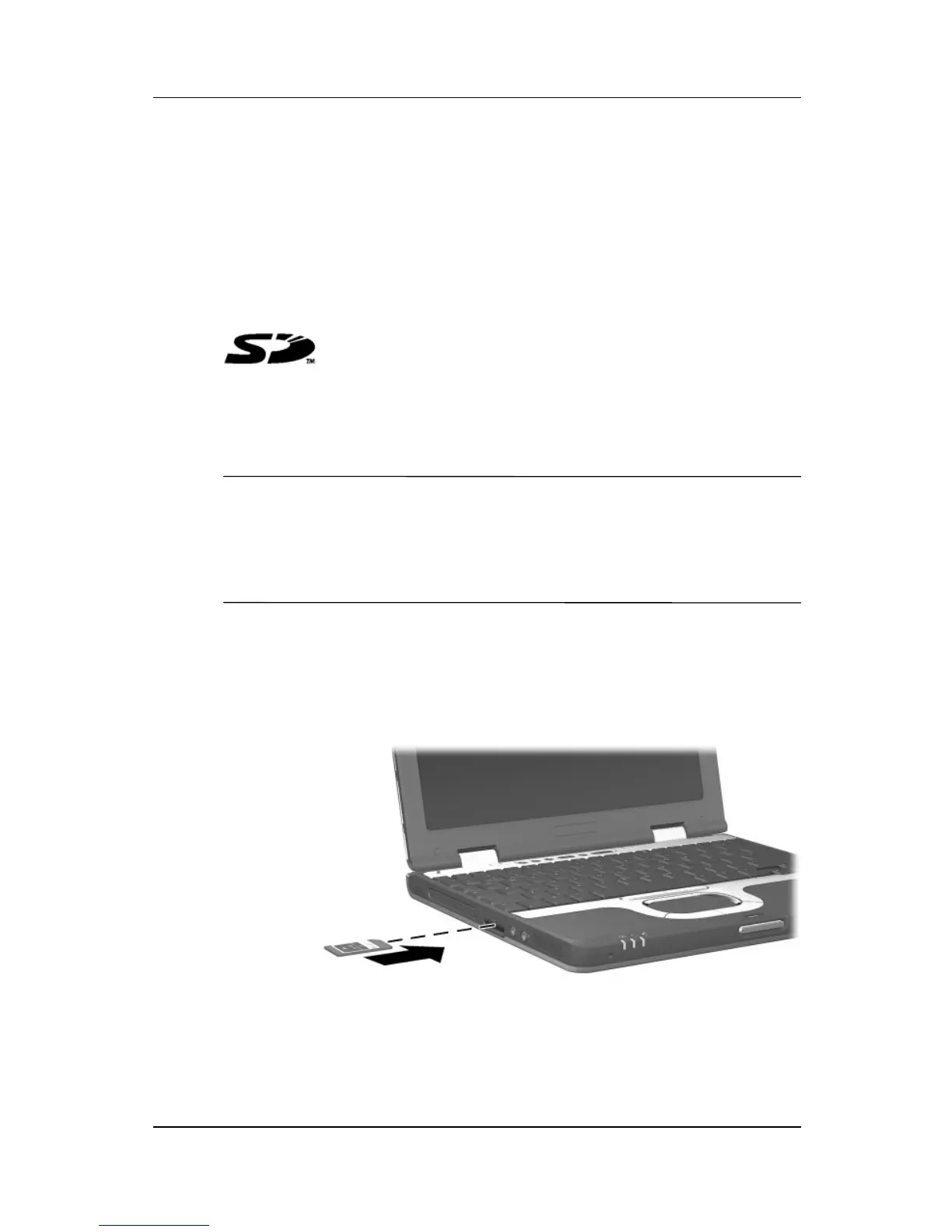
To insert an SD card:
1. Insert the SD card into the SD slot.
2. Push the card firmly into the slot until it clicks into place.
Inserting an SD card into the SD slot



 To Next Page