3–14 Hardware Guide
Battery Packs
Displaying Charge Information on a Battery Pack
The battery Quick Check feature enables you to check the battery
pack charge information without having to turn on the notebook.
You do not have to remove a battery pack from the notebook
battery bay or the travel battery to check the charge information;
however, you must detach the travel battery from the notebook to
check the charge of the travel bay battery pack.
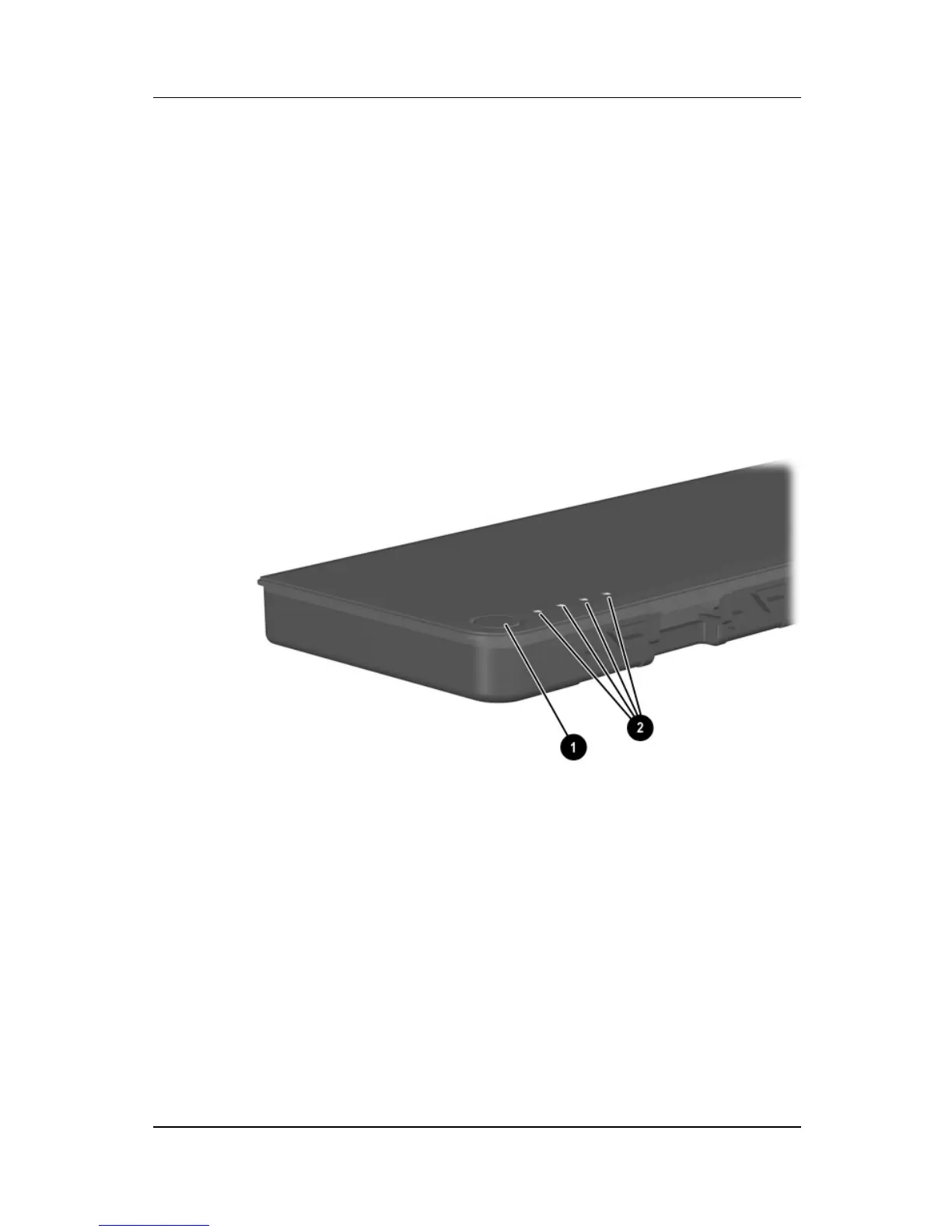
To display the percentage of a full charge remaining on a battery
pack, press the Quick Check button 1 on the battery pack. The
Quick Check lights 2 on the battery pack indicate the charge
remaining, as shown in the following table.
Battery pack Quick Check button and lights



 To Next Page