External Devices
Hardware Guide 7–5
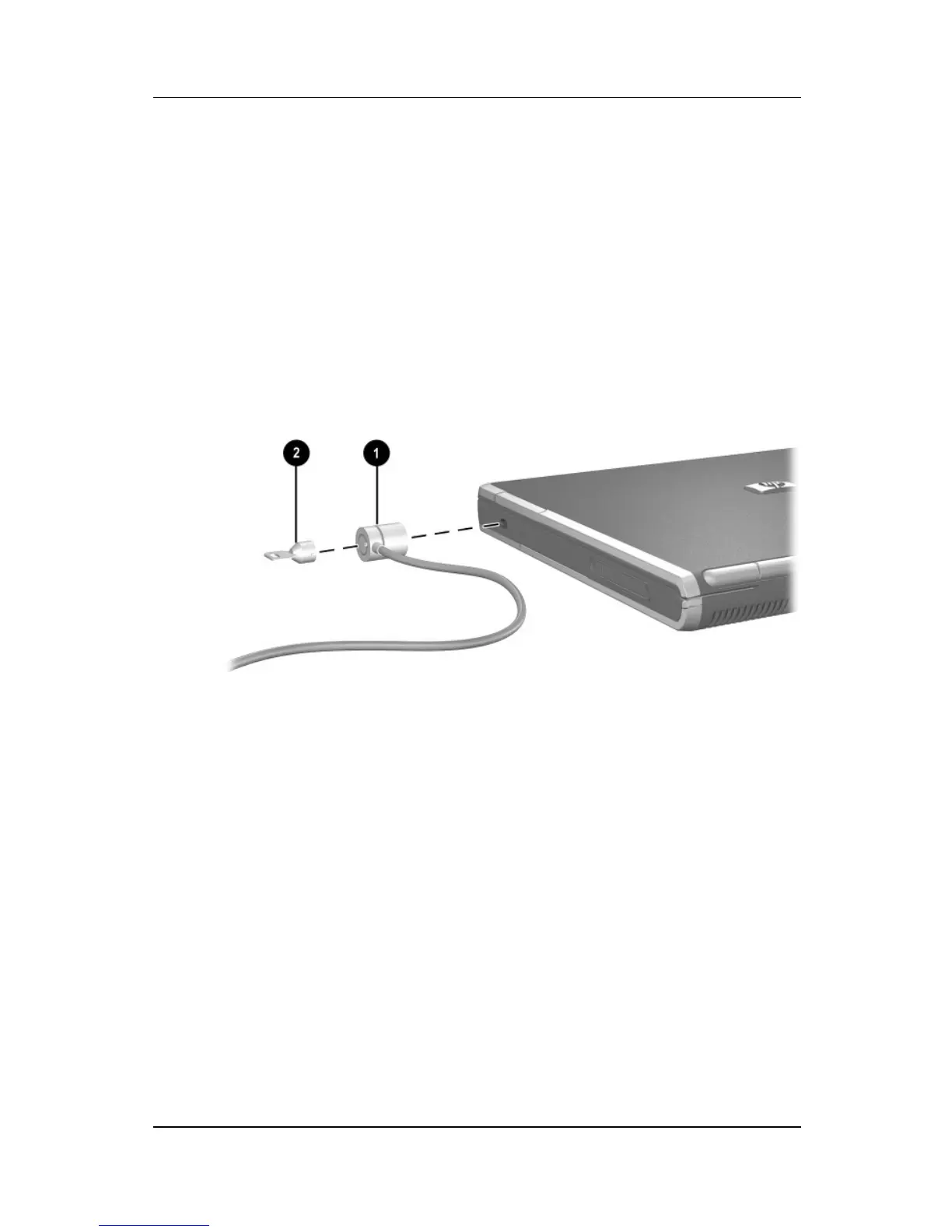
Connecting an Optional Cable Lock
To install a security cable:
1. Loop the security cable around a secured object.
2. Pull the security cable lock through the cable loop and insert
the cable 1 into the security cable slot on the notebook.
3. If the cable has a key 2, use it to lock and unlock the cable.
Connecting a security cable



 To Next Page