Notebook Features
Hardware Guide 1–3
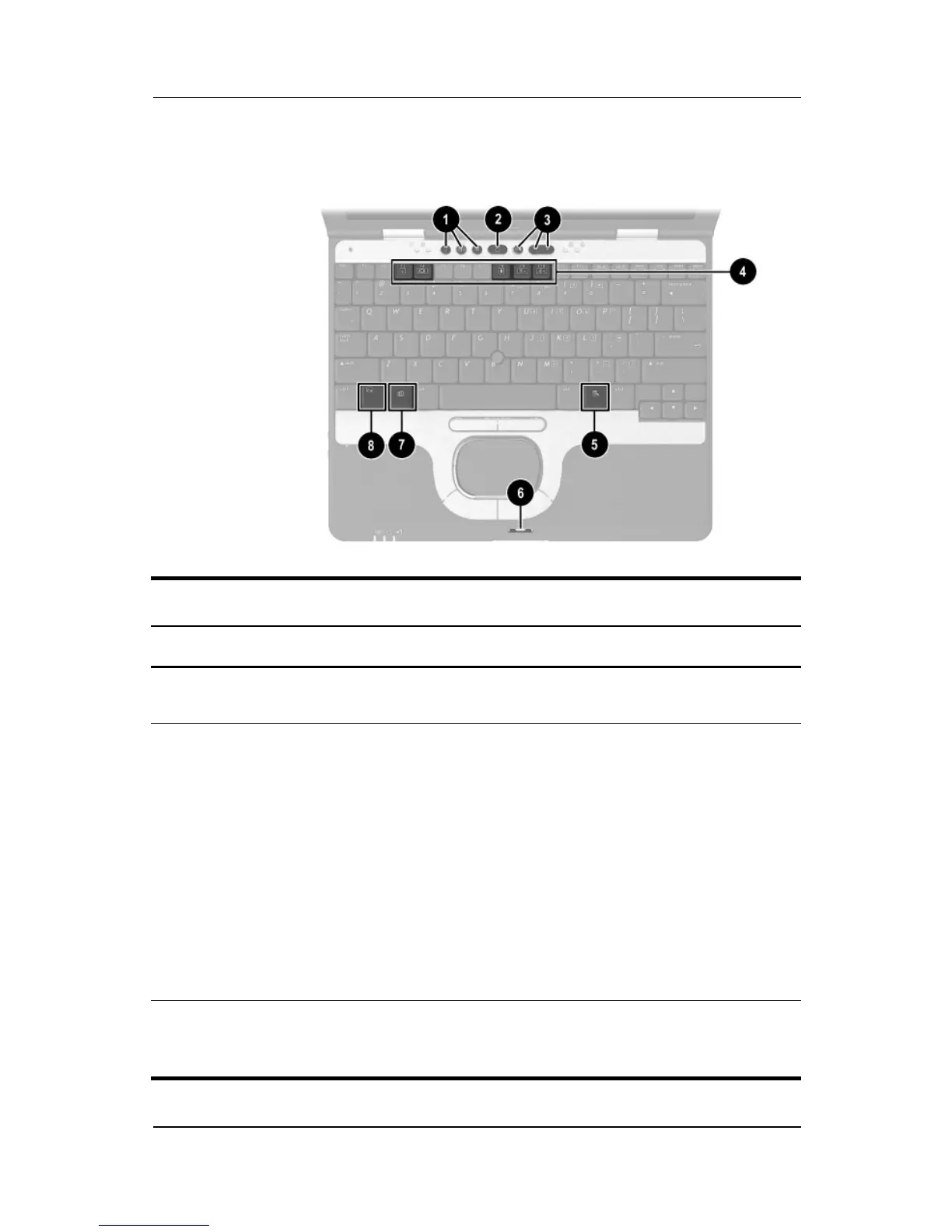
Top Components
Top Components
Item Component Description
1
Quick Launch buttons (3) Enable you to access common
functions with a single keystroke.
2
Power button When the notebook is*
■ Off, press and release to turn on
the notebook.
■ In Standby, press and release to
exit Standby.
■ In Hibernation, press and release
to exit Hibernation.
If the system has stopped responding
and Windows shut down procedures
cannot be used, press and hold for 5
seconds to turn off the notebook.
*This table describes default settings. For information about changing the
functions of the power button and about using Standby and Hibernation, refer
on this CD to the
Software Guide,
“Power” chapter.



 To Next Page