1–12 Hardware Guide
Notebook Features
Lights
Lights
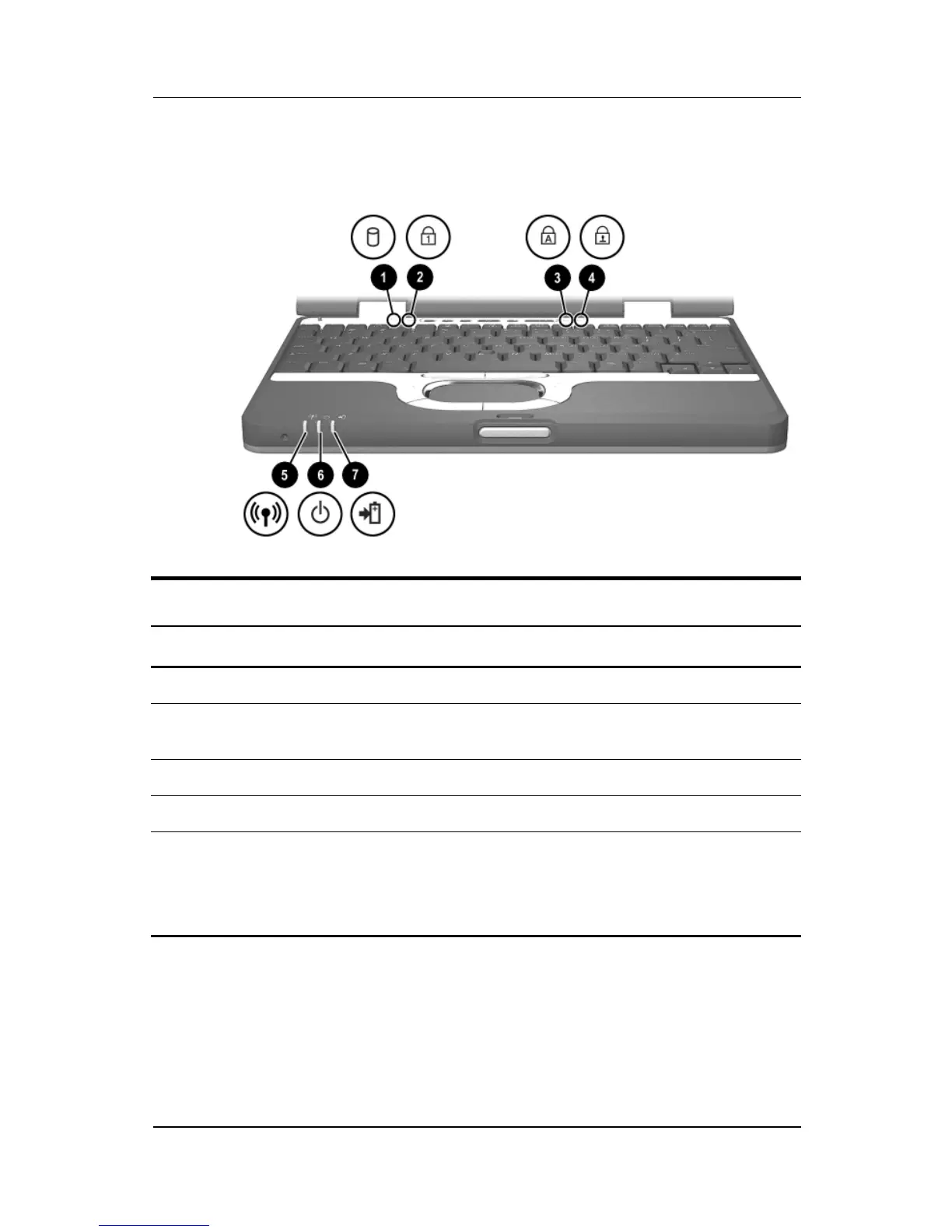
Item Component Description
1
Hard drive activity On: The hard drive is being accessed.
2
Num lock On: Num lock is on or the embedded
numeric keypad is enabled.
3
Caps lock On: Caps lock is on.
4
Scroll lock On: Scroll lock is on.
5
Wireless on/off On: The wireless mini PCI card and/or
Bluetooth are on.
Off: The wireless mini PCI card and
Bluetooth are off.



 To Next Page